
JETe Muse User Manual
Panduan lengkap penggunaan produk Smartwatch JETE Muse untuk memaksimalkan pengalaman pengguna. Dilengkapi instruksi langkah demi langkah, mulai dari instalasi, pengoperasian, hingga pairing.
User Manual / JETE Muse
Hasil Pencarian
×-
English
-
Indonesian
-
How To (Video)
-
FAQ
-
Specification




Video Tutorial
Petunjuk Penggunaan JETE Smartwatch MUSE
Cara Pairing Smartwatch JETE ke Aplikasi JETE Connect
Cara Connect JETE Connect ke STRAVA
Cara Menerima Telepon & Menambahkan Kontak di JETE Connect
Frequently Asked Question
1. Periksa kembali settingan Perizinan Aplikasi JETE Connect Pada HP, Pastikan " selalu Izinkan "
2. Periksa kembali settingan Perizinan Aplikasi JETE Connect Pada HP, Pastikan Log Panggilan, Notifikasi, dll - sudah diizinkan
3. Pastikan koneksi terhubung keduanya ( Biru & Orange ) , Bluetooth HP ( Tandanya Warna Biru ) sedangkan Aplikasi ( Tandanya Warna Orange )
4. Periksa kembali pada Aplikasi JETE Connect sudah diizinkan atau belum aplikasi pilihan tersebut diatas.
5. Bila perlu restart HP dan Smartwatch , dan kemudian hubungkan kembali
Untuk fitur menerima dan menjawab panggilan melalui Smartwatch, terdapat perbedaan kemampuan antara perangkat iOS dan Android:
Pengguna iOS (iPhone):
Dapat menerima panggilan seluler maupun panggilan melalui WhatsApp langsung dari smartwatch, dan berbicara langsung tanpa perlu menyentuh ponsel.
Pengguna Android:
Hanya beberapa tipe Android tertentu yang mendukung fitur menerima dan menjawab panggilan langsung melalui smartwatch.
Panggilan seluler bisa dijawab dari smartwatch, namun tidak semua perangkat Android mendukung komunikasi suara langsung dari smartwatch.
Mengapa Bisa Berbeda?
Hal ini disebabkan oleh keterbatasan kompatibilitas software dan izin sistem pada beberapa tipe Android, sehingga tidak semua fitur panggilan bisa berjalan dengan sempurna seperti pada iPhone.
1. Pastikan Smartwatch sudah terhubung sempurna dengan aplikasi JETE CONNECT,
2. Pilih Olahraga yang akan dilakukan
3. Tunggu hingga GPS dapat terhubung , dan Berhasil .
4. Selesai Olahraga jangan lupa pada ikon " Berhenti " dipilih,
5. Tunggu beberapa saat hingga data olahraga di smartwatch bisa diterima aplikasi JETE Connect
6. Periksa pada Halaman utama ( Home ) Aplikasi di Smartphone kamu " See more / Selengkapnya "
7. Informasi Playtrack GPS, Jarak, Pace, dll bisa kamu dapat .
1. Gunakan adaptor sesuai dengan daya input yang direkomendasikan untuk produk smartwatch Anda. 5V/2A atau maks 20 Watt.
2. Selalu gunakan kabel charger original/bawaan dari produk.
3. Lakukan pengisian daya selama 90–120 menit maksimal.
4. Hindari overcharging (pengisian daya terlalu lama), karena dapat memperpendek usia baterai.
5. Jangan melakukan pengisian daya saat ditinggal tidur atau dalam waktu yang tidak diawasi.
Dengan mengikuti panduan ini, Anda turut menjaga performa dan umur panjang baterai smartwatch Anda.
* Garansi GRATIS SERVICE berlaku untuk kerusakan sistem (bukan karena kesalahan pengguna).
* Aksesories seperti : Kabel Charger, Strap, tidak termasuk dalam klaim garansi apabila mengalami kendala
* Untuk kerusakan fisik, akan dikenakan biaya penggantian unit sesuai kebijakan perusahaan.
* Apabila anda mengalami kendala pada Aksesories Produk Smartwatch dan membutuhkannya, kami melayani penjualan terpisah.
Silakan hubungi Admin Marketplace, CS JETE, atau kunjungi Official Store JETE terdekat untuk info lebih lanjut.
1. Check the permissions settings for the JETE Connect application on your phone, make sure “always allow”.
2. Double check the JETE Connect App Permissions settings on the phone, Make sure Call Logs, Notifications, etc - are allowed
3. Make sure both connections are connected (Blue & Orange), Bluetooth HP (Blue mark) and App (Orange mark).
4. Check again on the JETE Connect Application has been allowed or not the application of choice mentioned above.
5. If necessary restart the HP and Smartwatch, and then reconnect.
For the feature of receiving and answering calls via Smartwatch, there are differences in capabilities between iOS and Android devices:
iOS (iPhone) users:
Can receive mobile calls and WhatsApp calls directly from the smartwatch, and talk directly without touching the phone.
Android users:
Only certain types of Android support receiving and answering calls directly through the smartwatch.
Mobile calls can be answered from the smartwatch, but not all Android devices support voice communication directly from the smartwatch.
1. Make sure your Smartwatch is fully connected to the JETE CONNECT app,
2. Select the Exercise to be performed
3. Wait for the GPS to connect, and succeed.
4. Finish the exercise don't forget the “Stop” icon is selected,
5. Wait a few moments until the exercise data on the smartwatch can be received by the JETE Connect application.
6. Check on the main page (Home) of the application on your smartphone “See more / More ”
7. You can get Playtrack GPS, Distance, Pace, etc information.
1. Use the adapter according to the recommended input power for your smartwatch product. 5V/2A or 20 Watts max.
2. Always use the original charger cable from the product.
3. Charge for 90-120 minutes max.
4. Avoid overcharging, as it may shorten the battery life.
5. Do not charge when left to sleep or during unsupervised times.
By following these guidelines, you are helping to maintain the performance and longevity of your smartwatch battery.
* FREE SERVICE warranty applies to system damage (not due to user error).
* Accessories such as: Charger Cable, Strap, are not included in warranty claims if they experience problems.
* For physical damage, a replacement unit fee will be charged according to company policy.
* If you experience problems with Smartwatch Product Accessories and need them, we serve separate sales.
Please contact the Marketplace Admin, JETE CS, or visit the nearest JETE Official Store for more information.
Specification JETE Muse
- Deskripsi
- Info Tambahan
- Spesifikasi
Deskripsi Produk
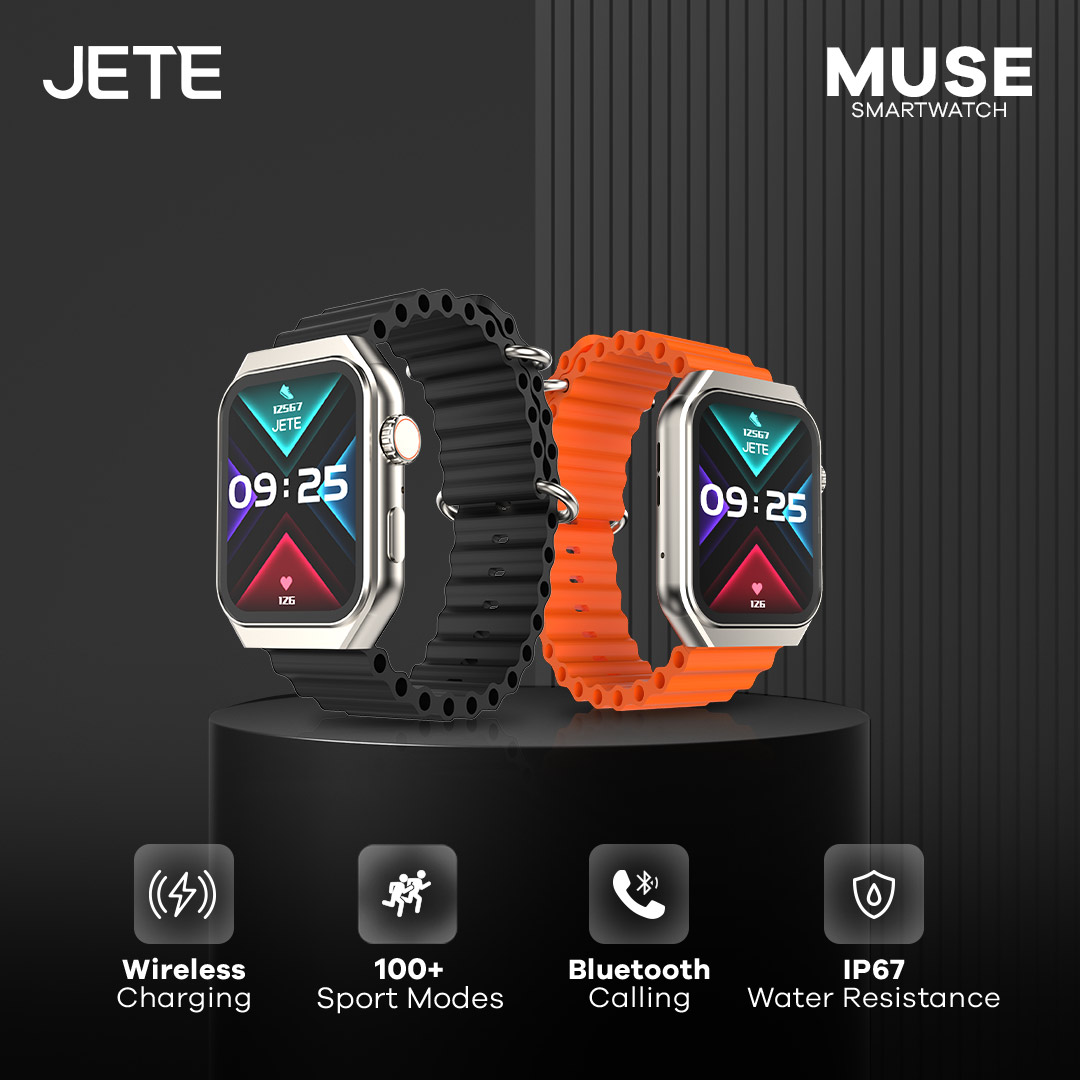
Smartwatch JETE Muse Series adalah pilihan tepat untuk pengguna yang suka kenyamanan dan stylish. Didesain elegan dan memiliki berbagai fitur unggulan, cocok untuk penggunaan sehari-hari. Mulai dari bekerja, santai, hingga olahraga.
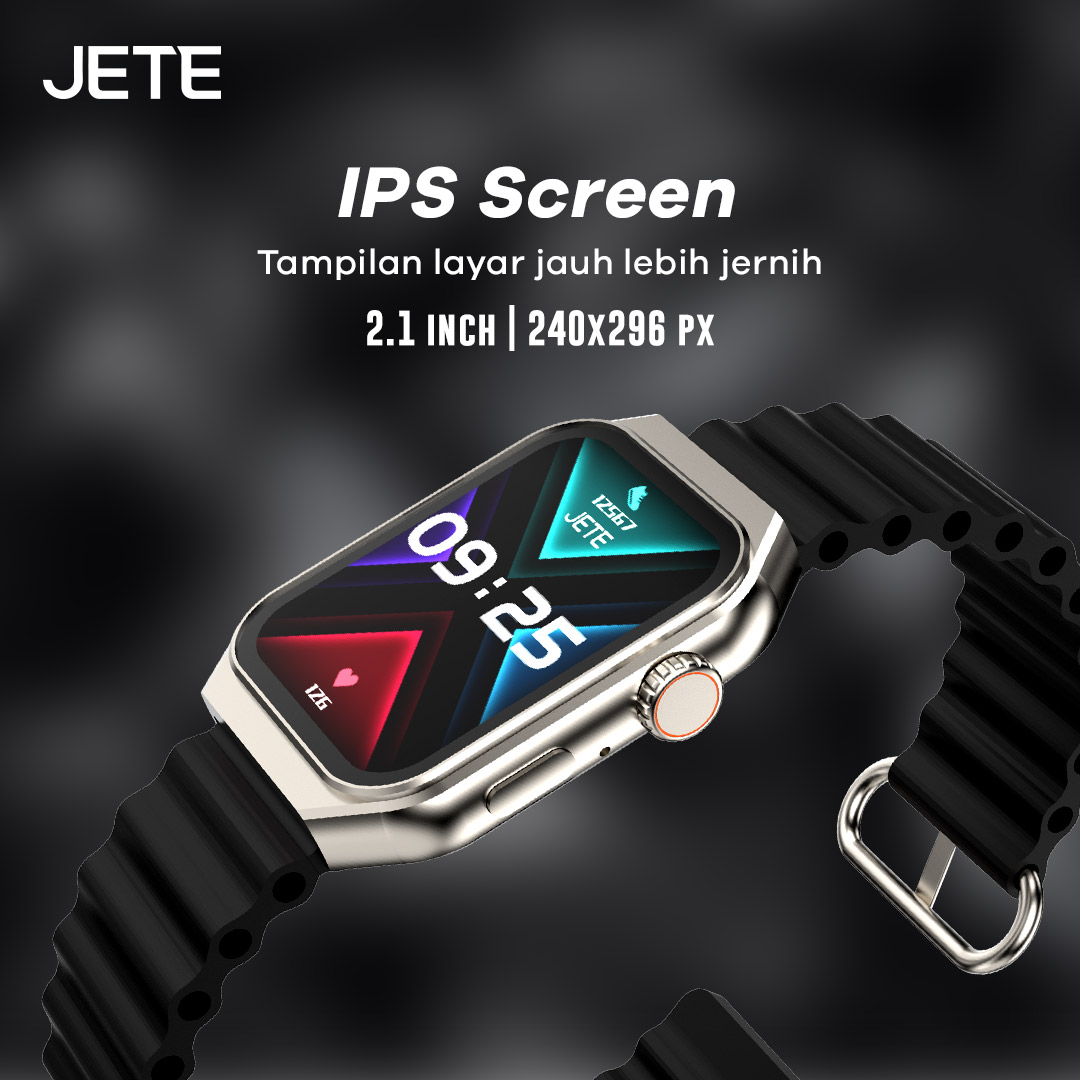
Pantau aktivitas di smartwatch di mana saja dan kapan saja. Dengan ukuran 2.1 inci dan resolusi layar 240×296 pixel membuat pembacaan layar lebih mudah dan tajam. Selain itu, dengan tipe layar IPS membuatnya semakin jernih dan terang walaupun di bawah terik matahari.
Video Smartwatch JETE Muse Series
Tonton video selengkapnya, untuk melihat spesifikasi dan fitur smartwatch JETE Muse Series!
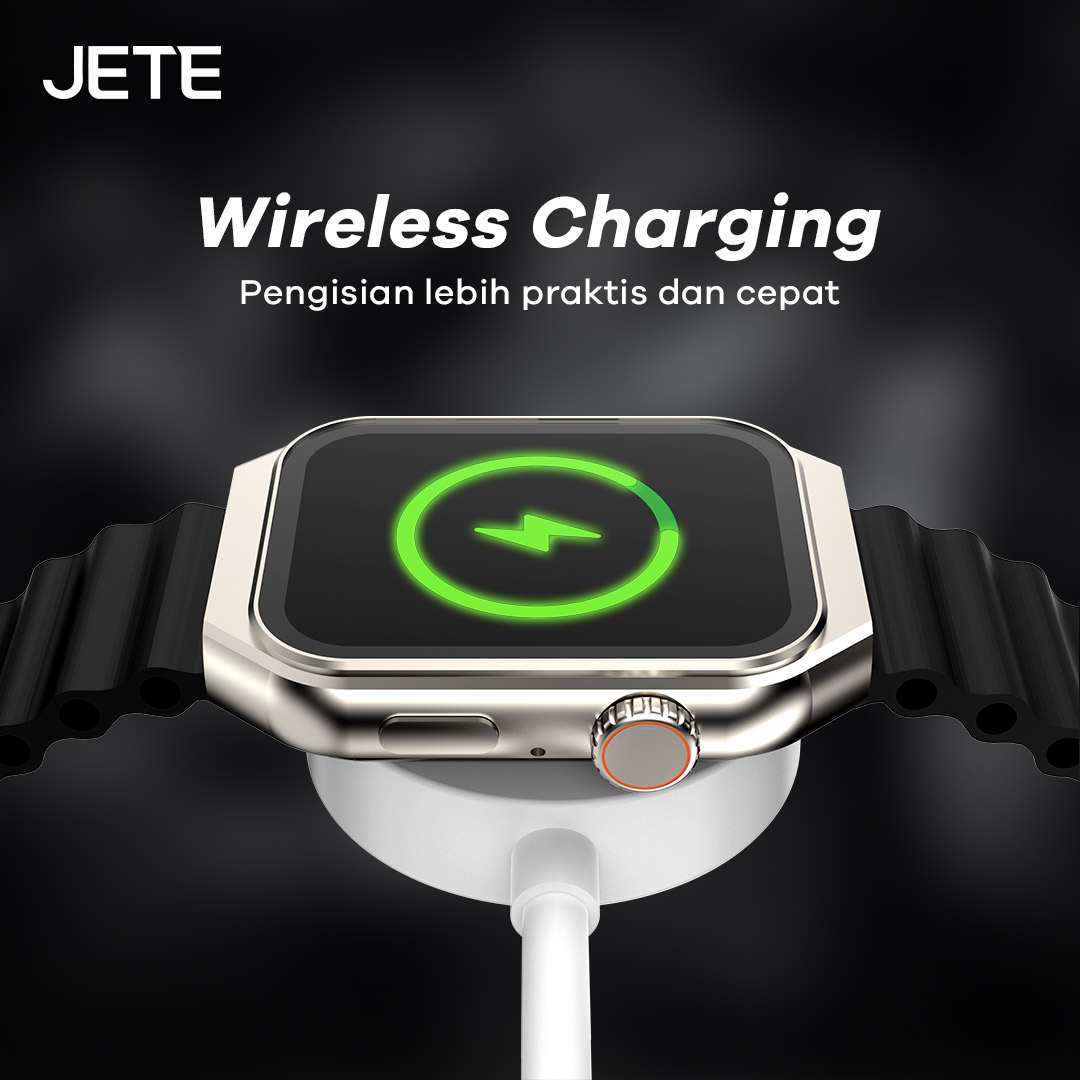
Pengisian daya smartwatch JETE Muse Series kini semakin mudah. Hal itu berkat mode pengisian daya wireless charging yang membuatnya lebih praktis dan cepat. Pasangkan jam tangan ke charger dan sambungkan ke sumber daya, tunggu hingga penuh.
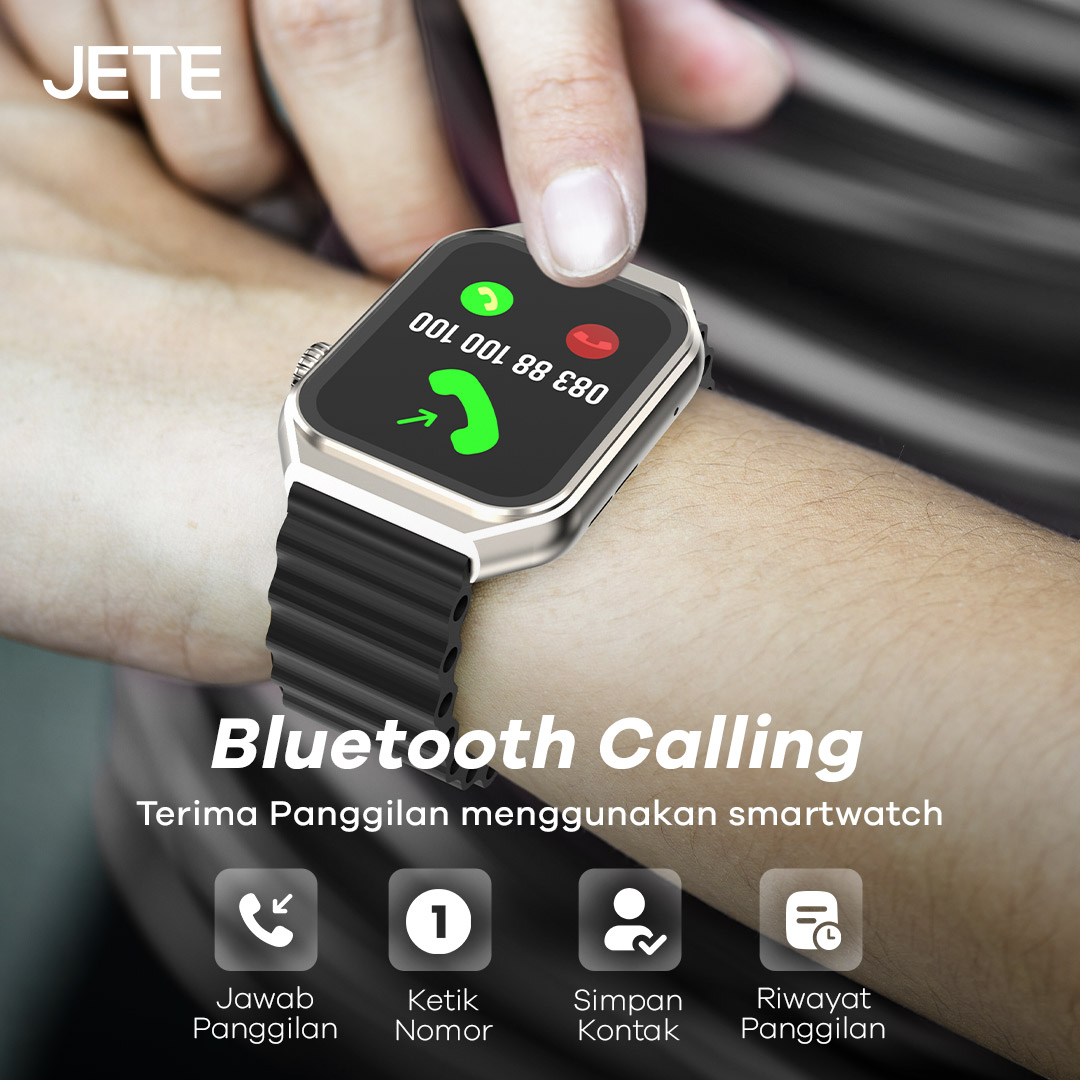
Cukup sambungkan smartwatch ke perangkat smartphone dan nikmati kemudahan dalam melakukan panggilan telepon tanpa ribet. Dengan koneksi Bluetooth terbaru, memungkinkan pengguna melakukan panggilan melalui smartwatch dengan koneksi yang lancar.
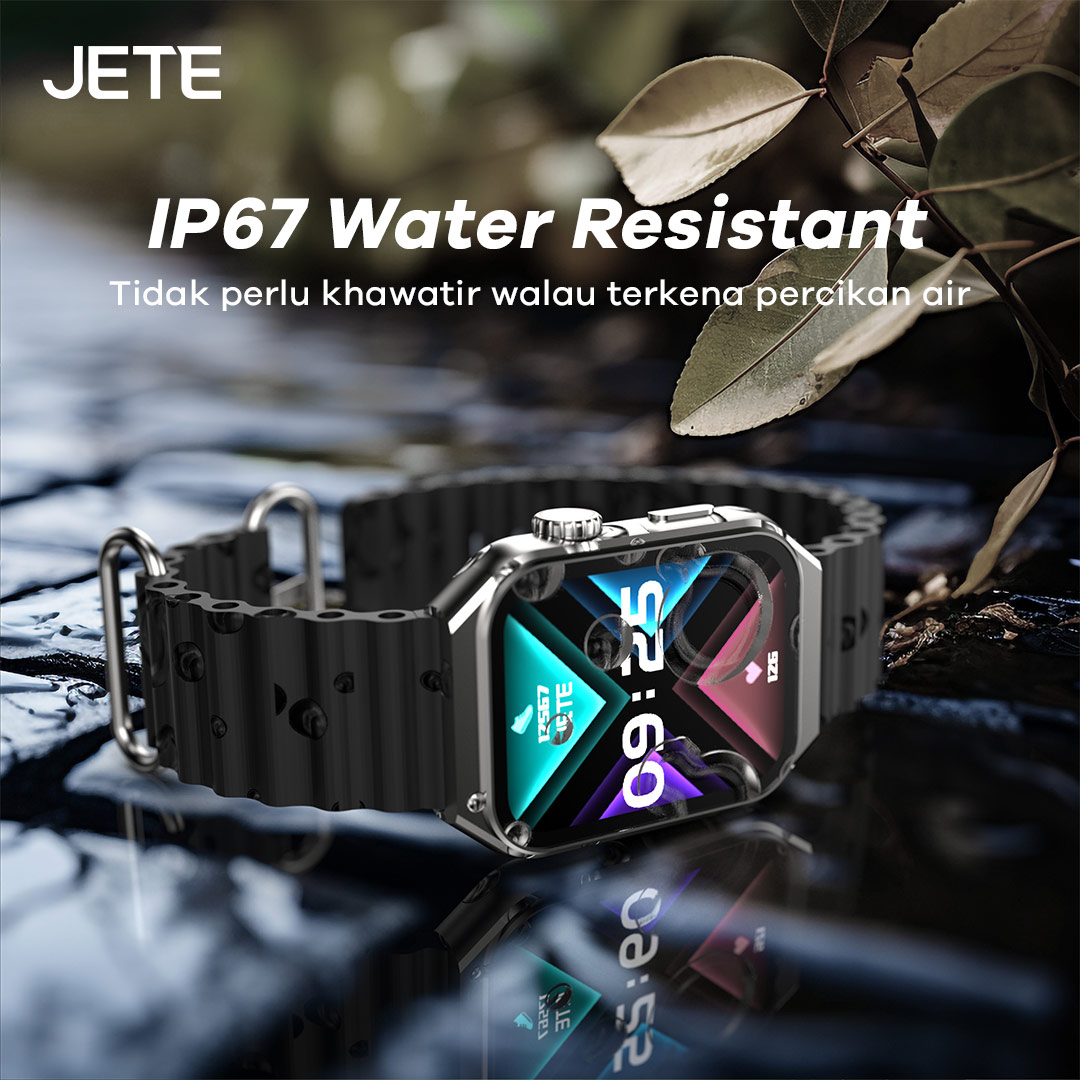
Smartwatch JETE Muse Series memiliki sertifikasi IP67. Hal ini membuat smartwatch aman dan nyaman digunakan saat terkena air seperti gerimis, hujan ringan, maupun terkena keringat ketika sedang berolahraga.
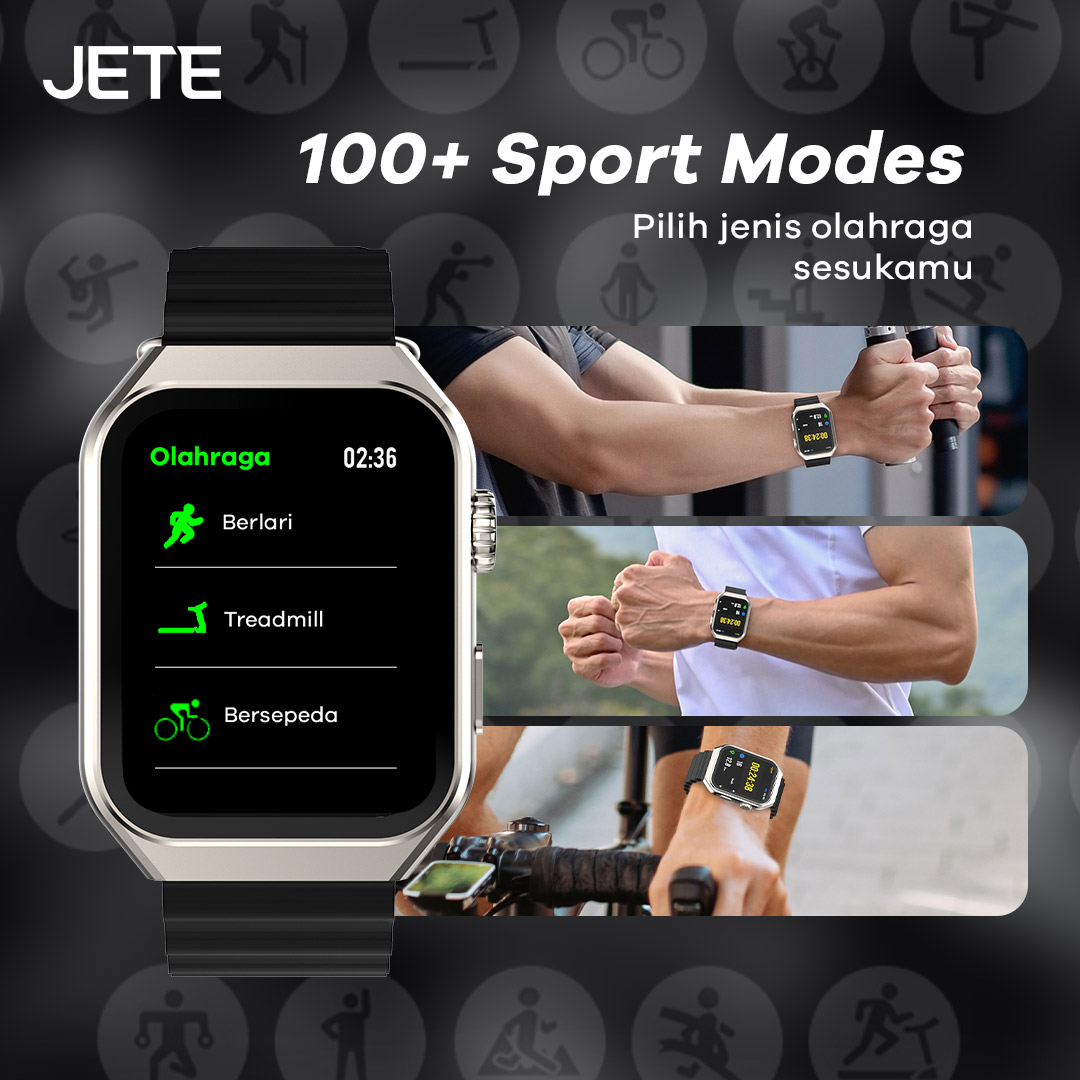
Berolahraga semakin nyaman dengan beragam mode yang bisa dipilih. Terdapat 100+ mode untuk olahraga sesuai keinginan. Mulai dari bersepeda, lari, mendaki, gym, dan sebagainya. Semua data olahraga akan terekam dan memudahkan pengguna untuk memantau capaian target kesehatan lebih baik.
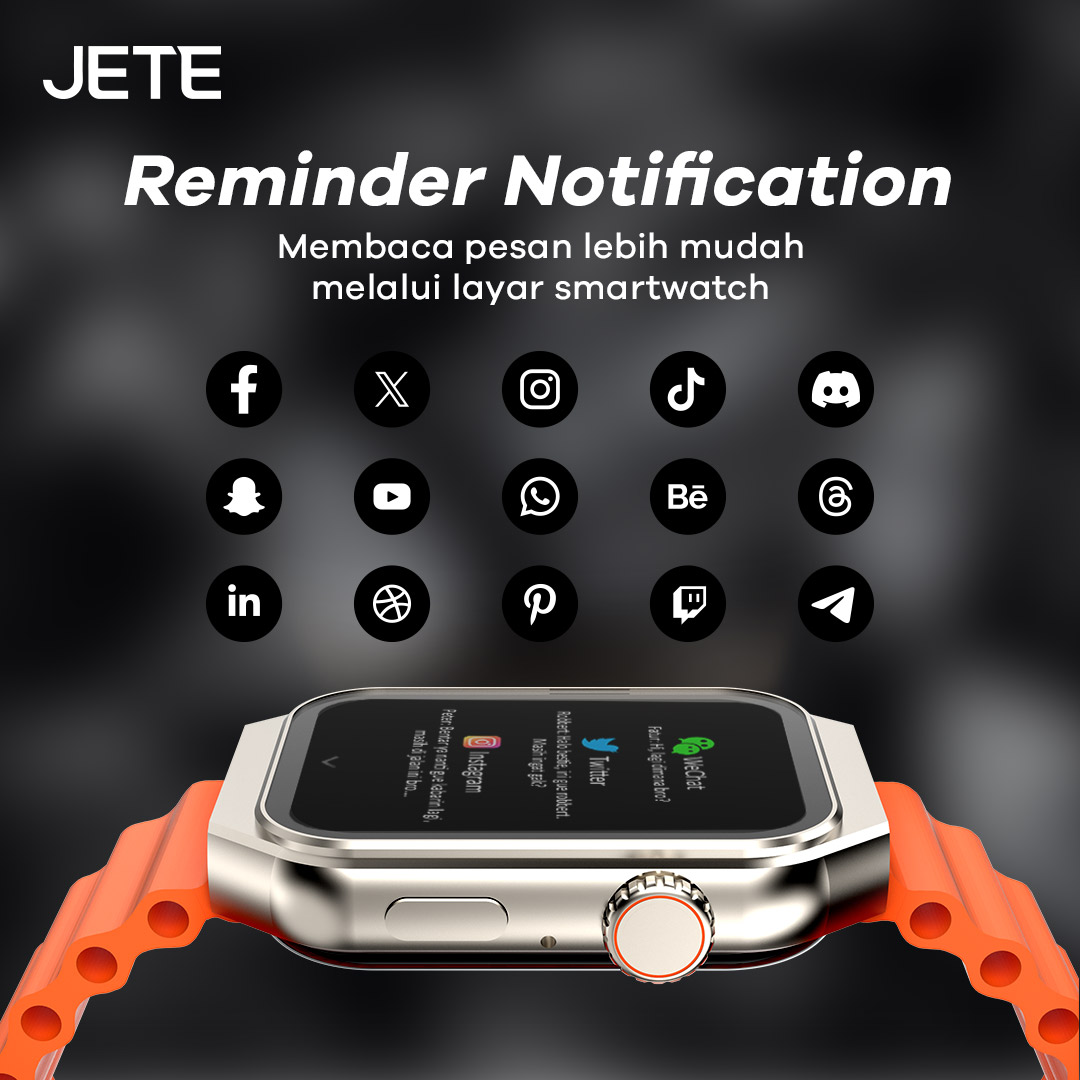
Pengguna dapat melihat notifikasi yang masuk melalui smartwatch saat dihubungkan ke smartphone. Baik pesan dari media sosial maupun perpesanan seperti WhatsApp, Instagram, Twitter, dan lainnya. Termasuk notifikasi dari aplikasi pendukung lainnya.
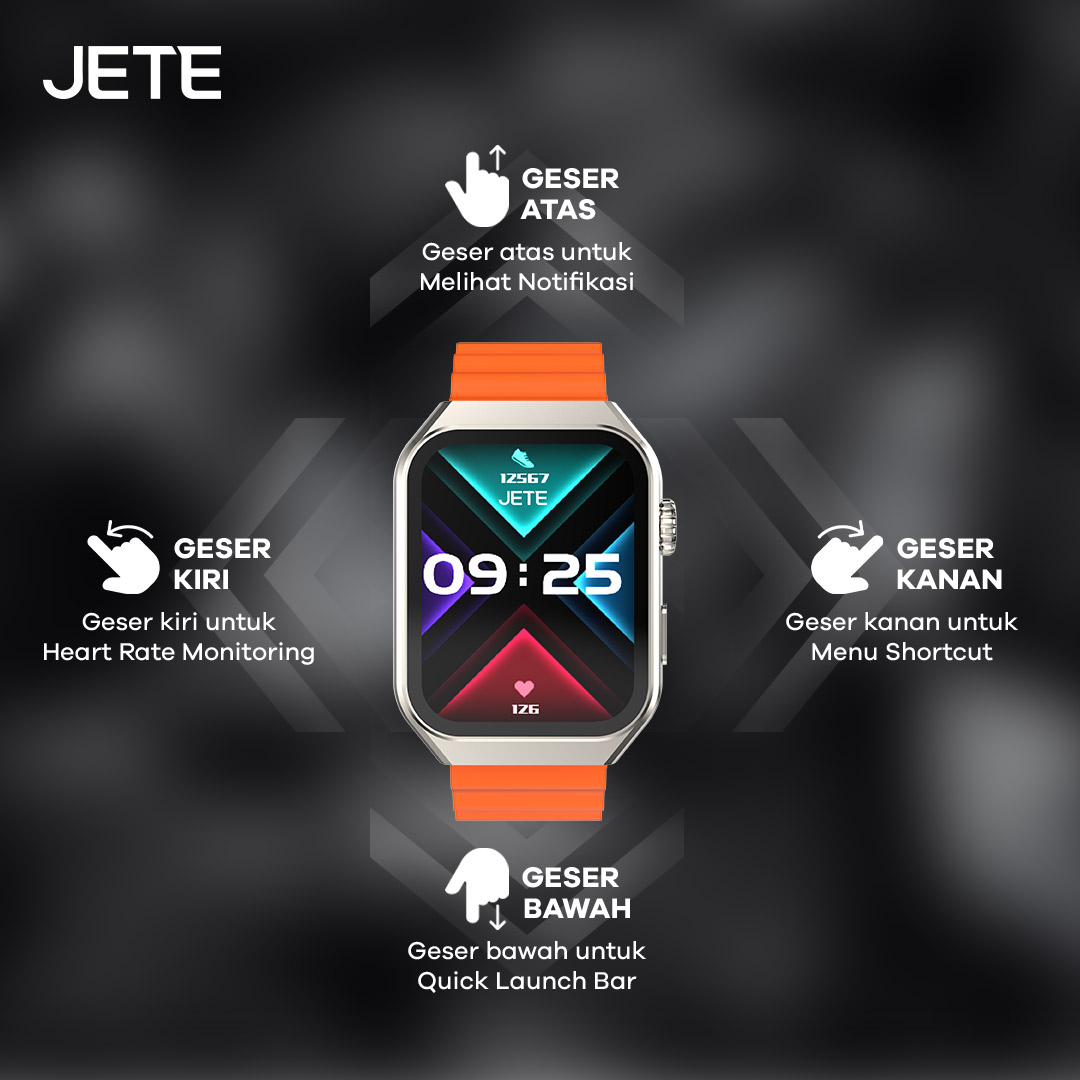
Smartwatch JETE Muse Series adalah smartwatch yang dirancang user friendly. Selain tampilan layar jernih, juga ada fitur fungsi cepat. Pengguna hanya tinggal menggeser layar ke arah yang diinginkan untuk mode tertentu dengan mode Swipe-Up. Perpindahan mode yang mulus dan cepat membuat pengguna semakin nyaman.
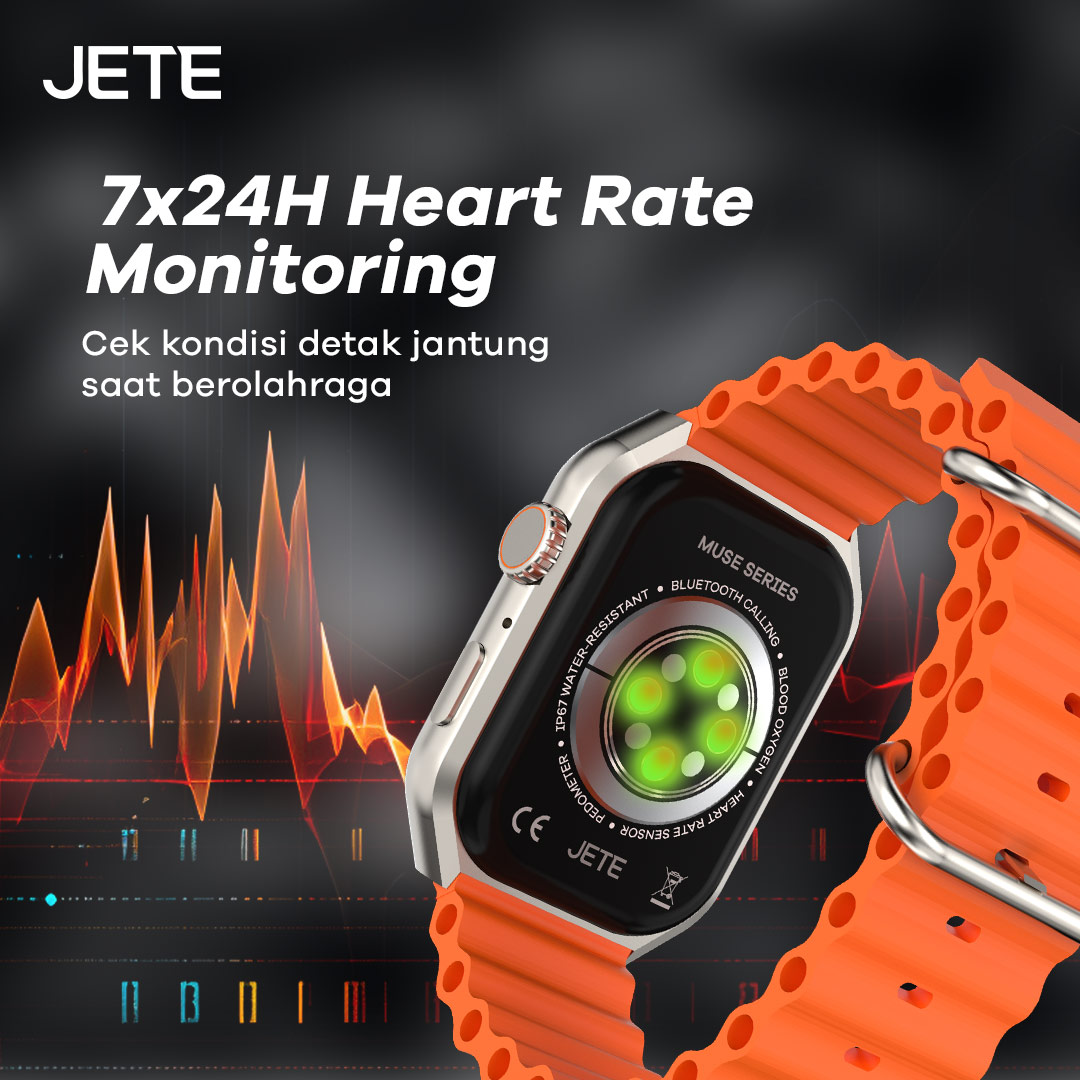
Adanya fitur Heart Rate Monitoring di jam tangan ini membuat pengguna mengetahui lebih jauh kondisi detak jantung secara realtime. Hal ini sangat membantu dalam menjaga keseimbangan kondisi tubuh sepanjang hari selama 24 jam dalam 7 hari.
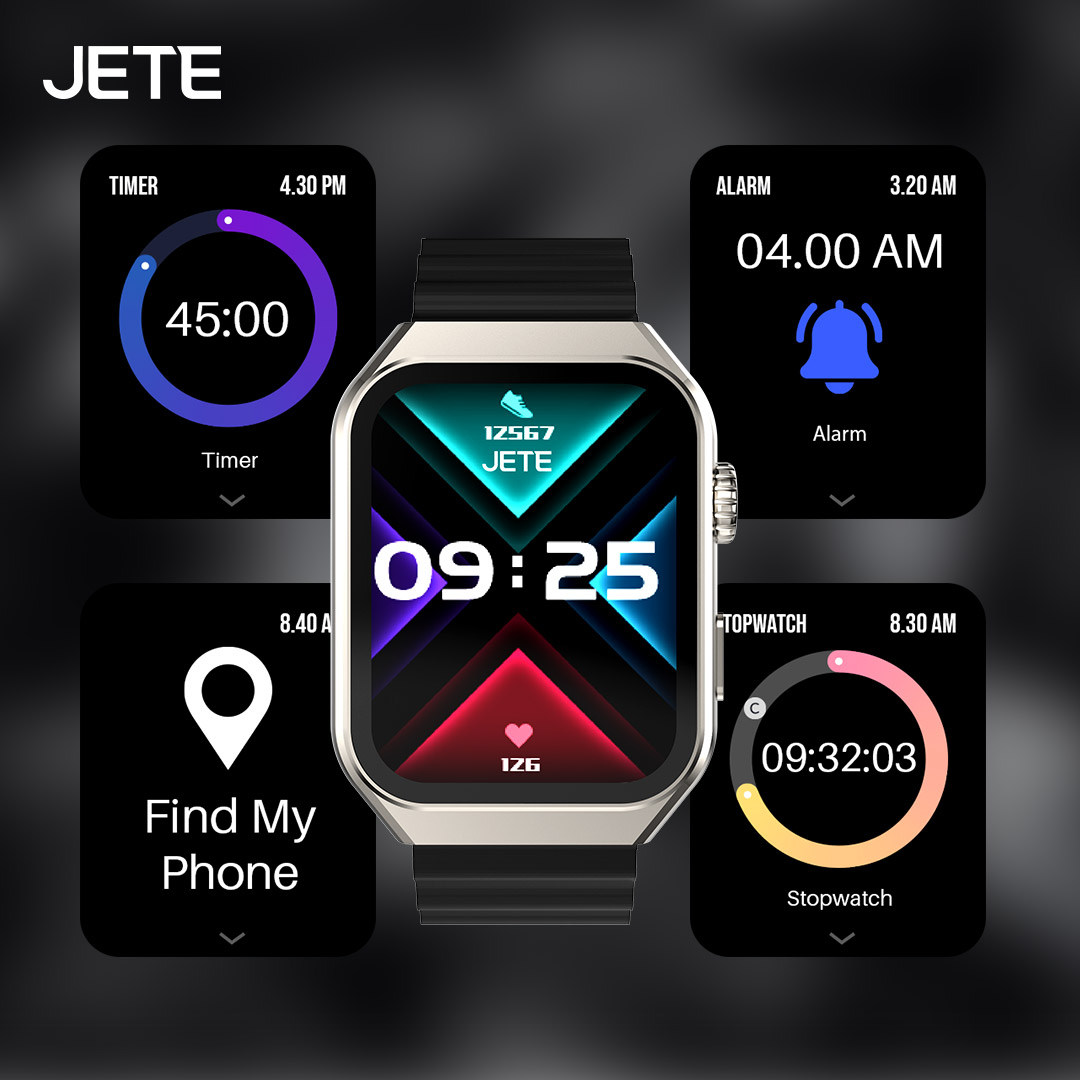
Selain sebagai penunjuk waktu dan pemantau kesehatan, smartwatch ini dapat digunakan untuk fungsi pendukung lain. Mulai dari timer, alarm, stopwatch, hingga mengaktifkan fitur Find My Phone.
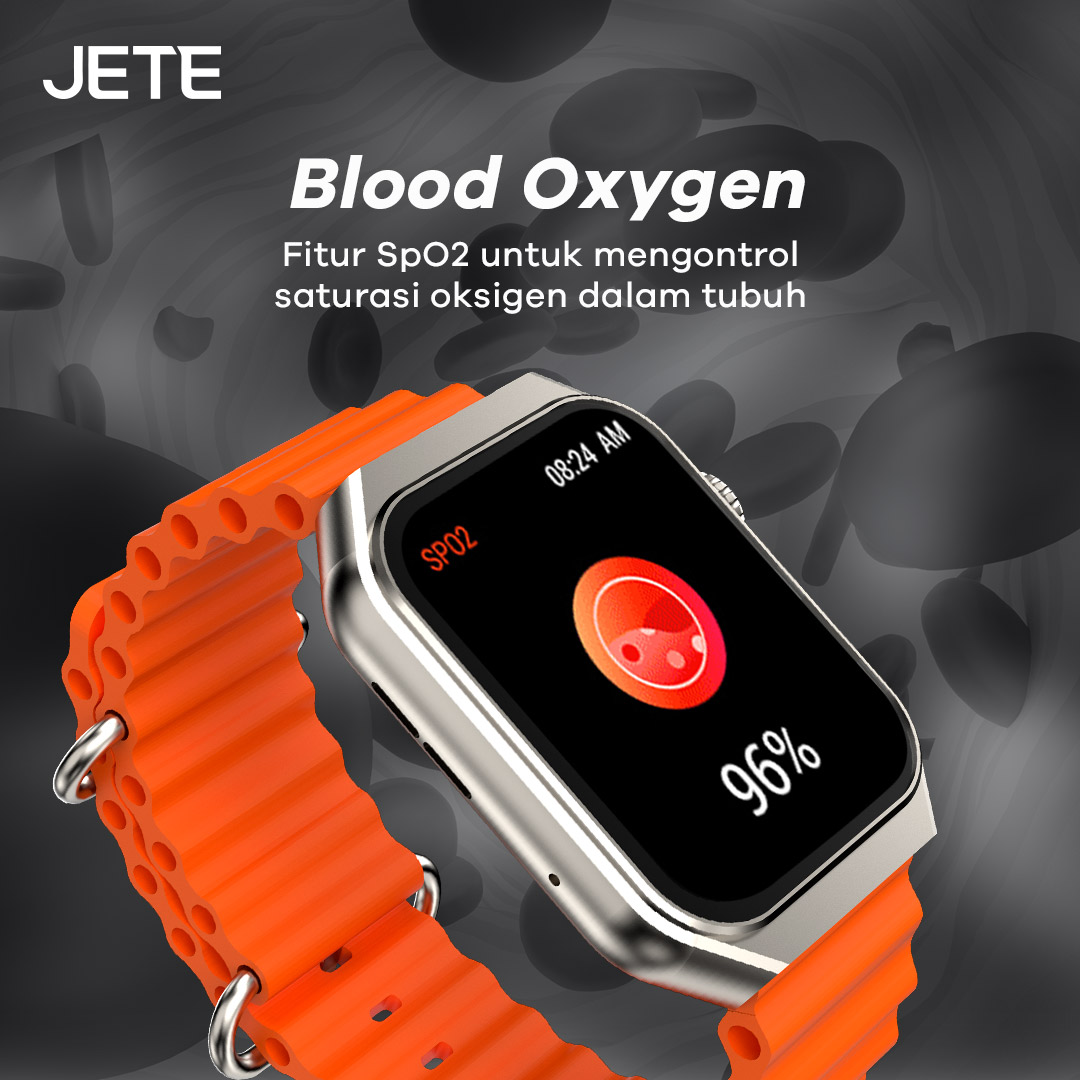
Asupan oksigen yang cukup merupakan hal penting. Dengan begitu, akan melancarkan sirkulasi darah. Kini, memantau kadar oksigen semakin mudah dengan fitur SpO2 yang akurat di smartwatch JETE Muse Series setiap saat.
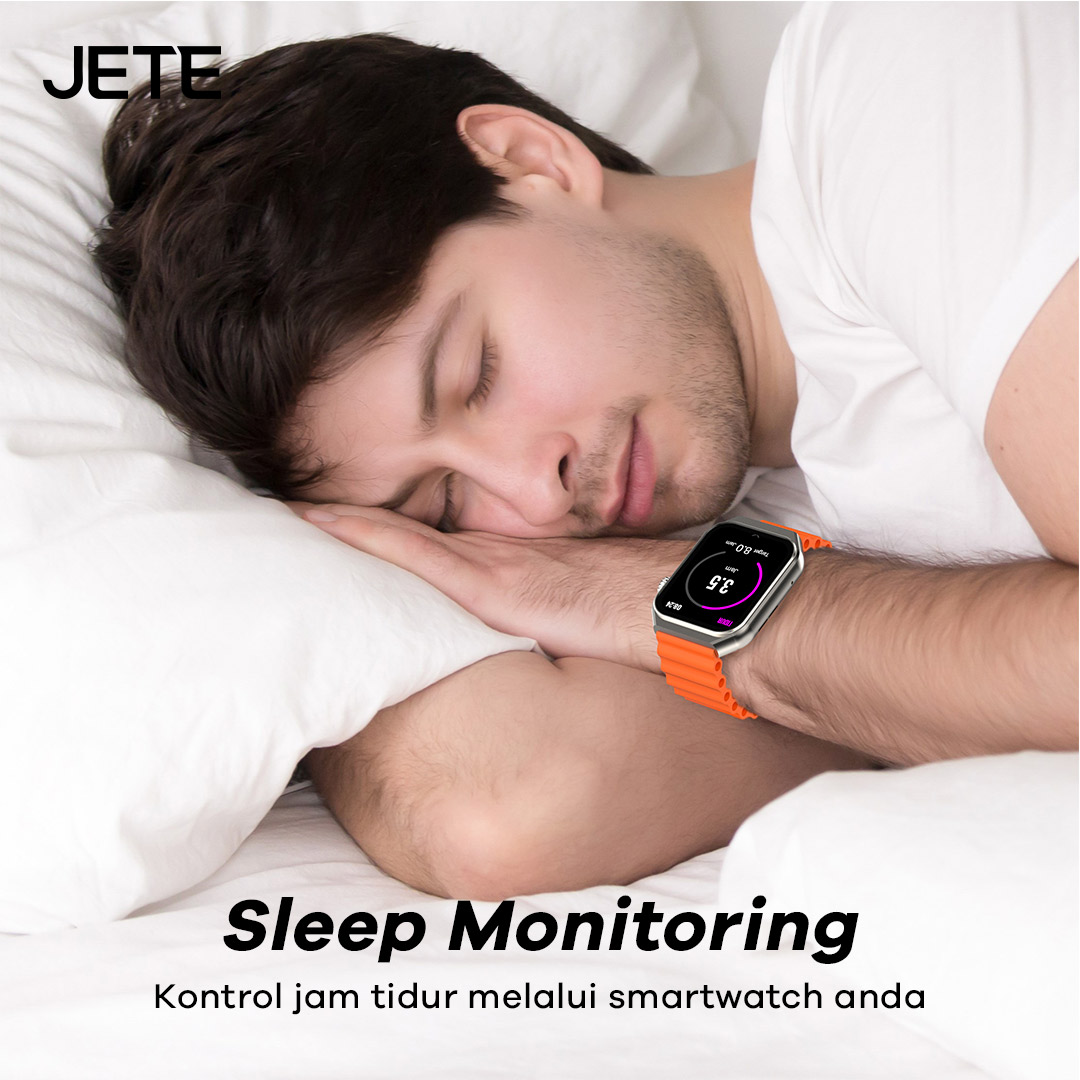
Dengan fitur Sleep Monitoring, pengguna dapat melihat berapa lama waktu tidur hingga tingkat kedalaman tidur selama waktu tertentu. Gunakan JETE Muses Series di tangan, secara otomatis fitur akan bekerja saat pengguna tidur. Saat terjaga, data akan terekam.
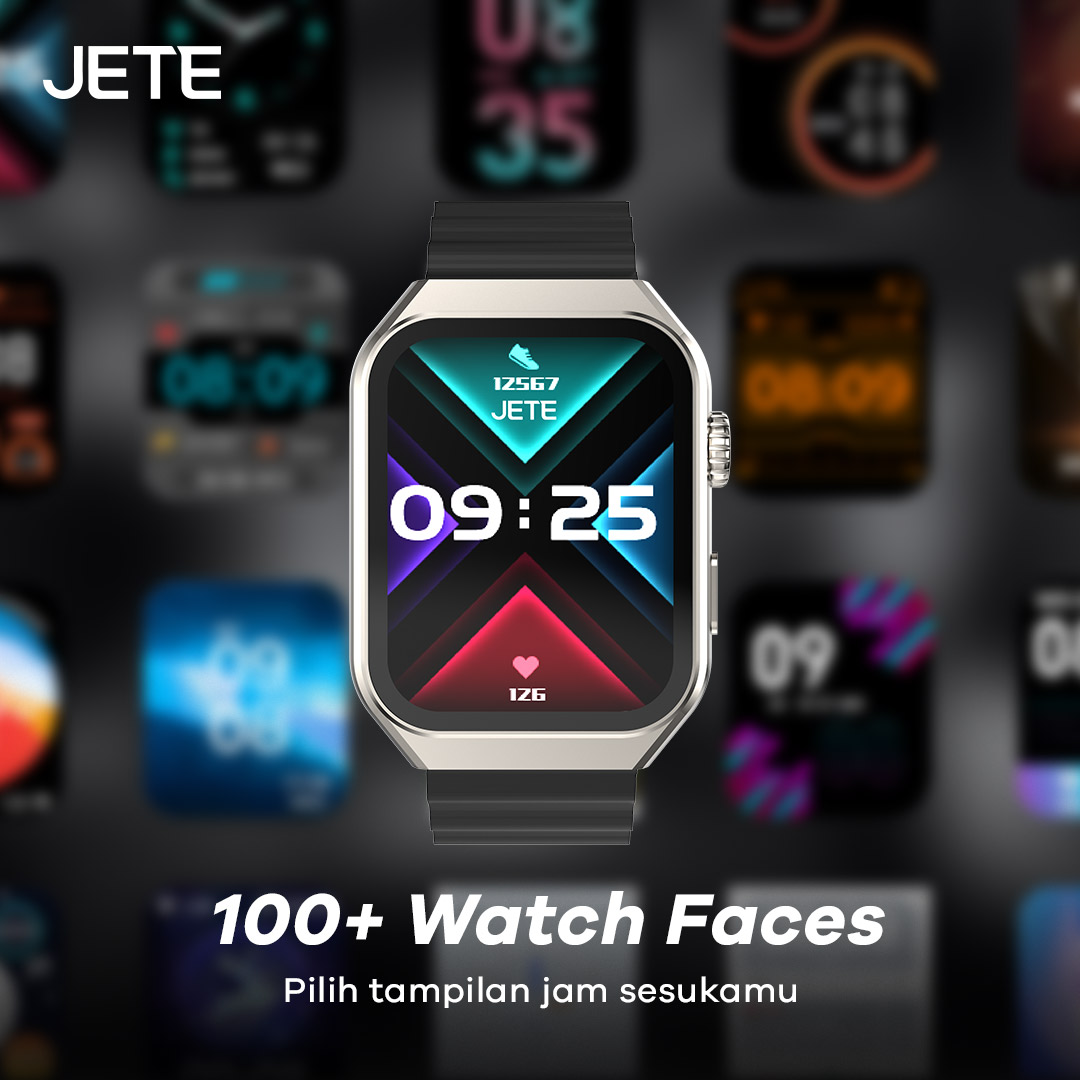
Smartwatch JETE Muse Series memiliki lebih dari 100 Watch Faces yang keren. Sambungkan jam tangan ke aplikasi JETE Connect lalu cari dan pilih tampilan sesuai dengan karakter dan keinginan untuk ditampilkan di jam tangan.
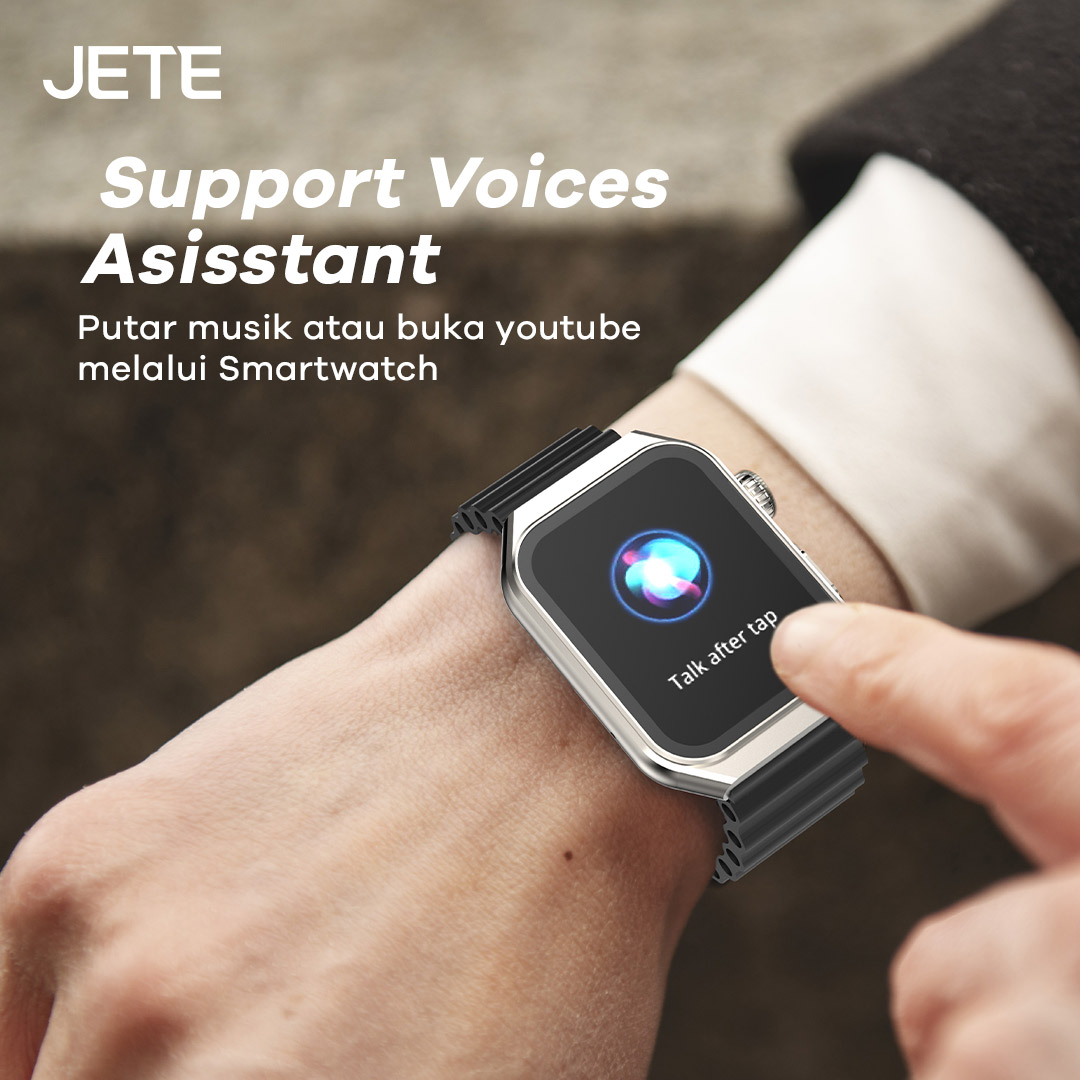
Putar musik dan pilih konten di YouTube lebih cepat dan tanpa sentuh. Cukup dengan mengaktifkan mode Voice Assistant, lalu ucapkan apa yang akan dicari. Secara otomatis akan tersambung dan melakukan pencarian.
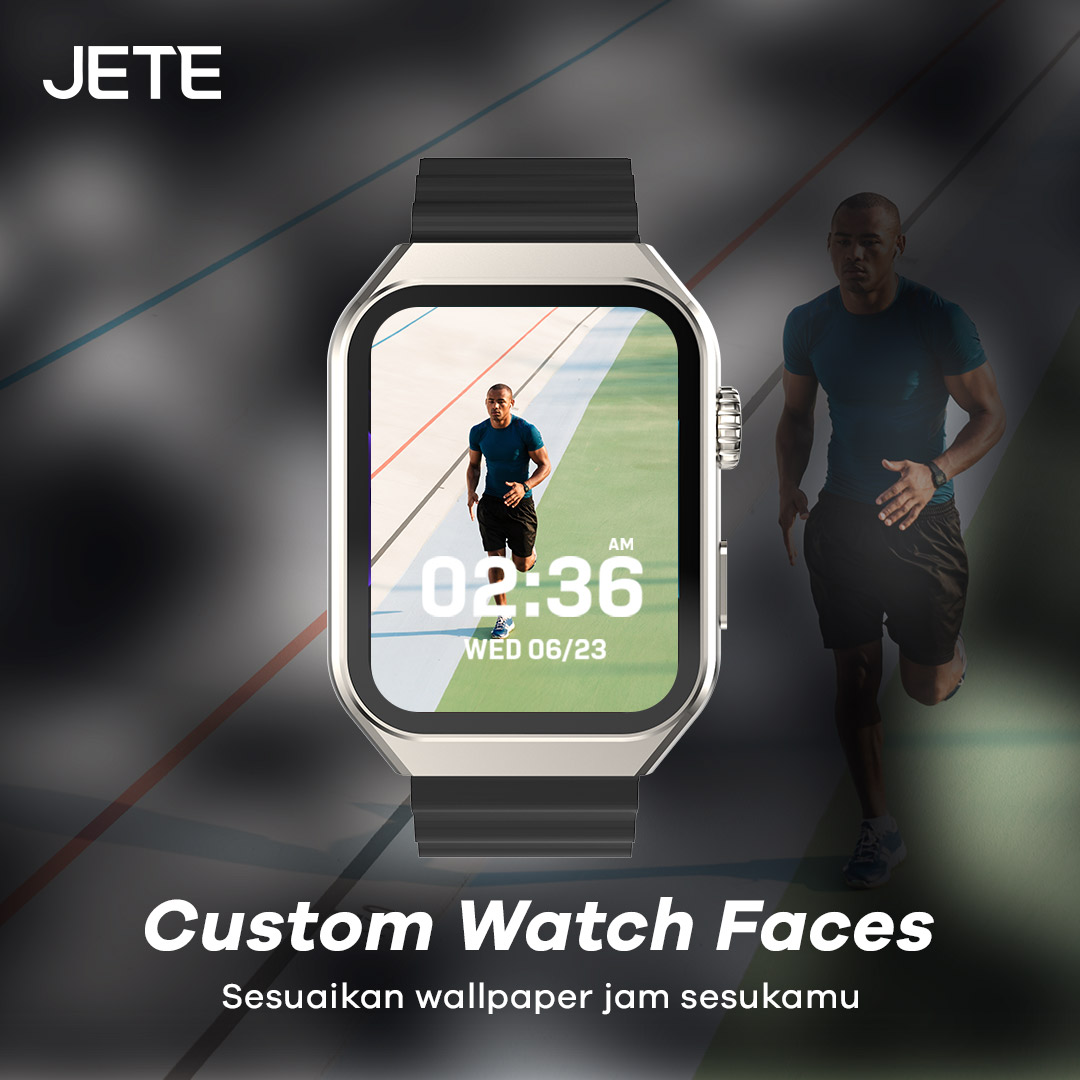
Pengguna dapat melakukan pengaturan tampilan wallpaper dan Watch Face sesuka hati sesuai karakter yang diinginkan. Ada pula berbagai gambar-gambar custom keren yang dapat dipilih. Dengan tampilan ini akan membuat pengguna lebih percaya diri di mana saja dan kapan saja.
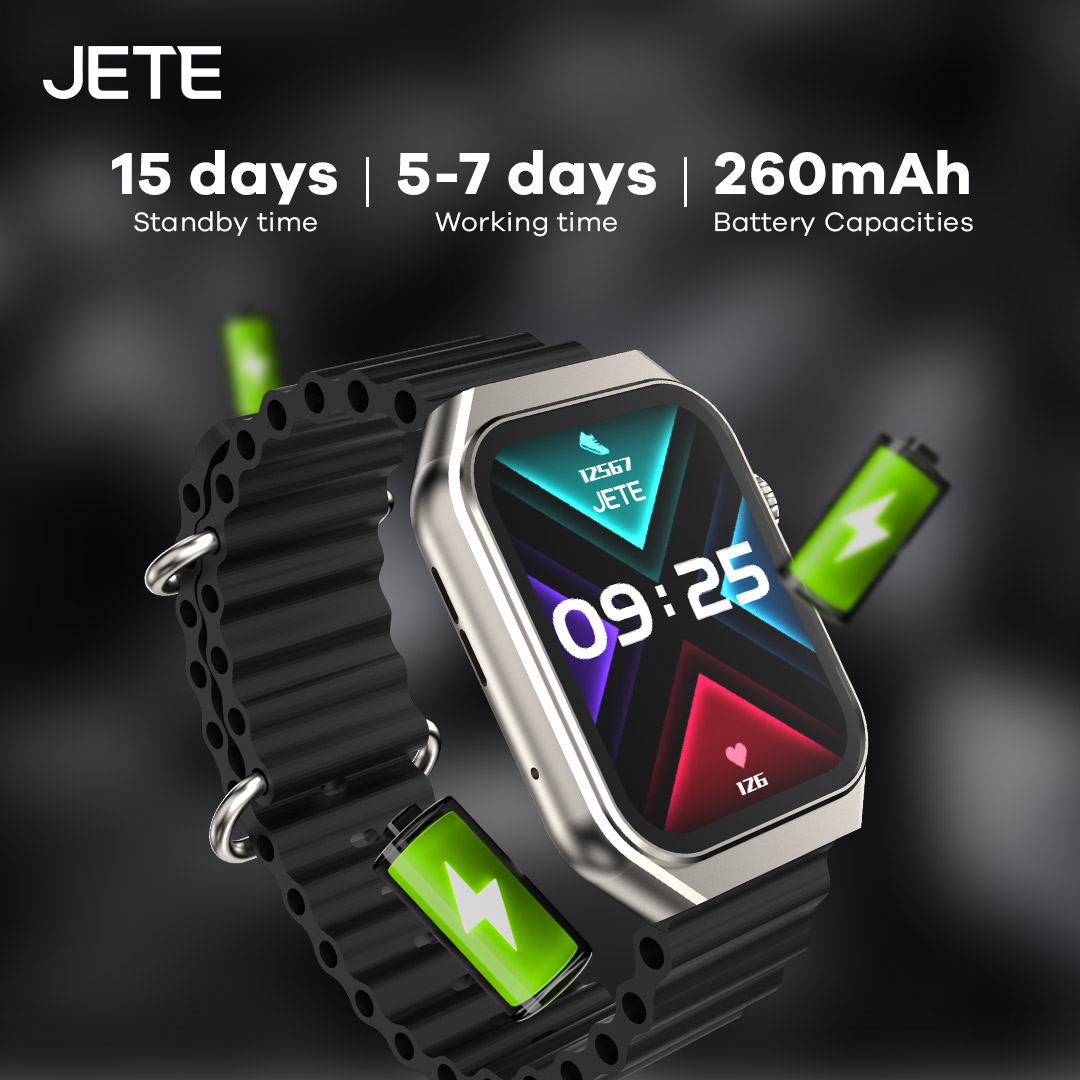
Tak perlu khawatir kehabisan baterai untuk aktivitas di luar ruangan. JETE Muse Series dibekali dengan baterai berkapasitas 260 mAh. Ini membuat waktu penggunaan lebih lama hingga 5-7 hari. Sementara, untuk standby time mampu hingga 15 hari.
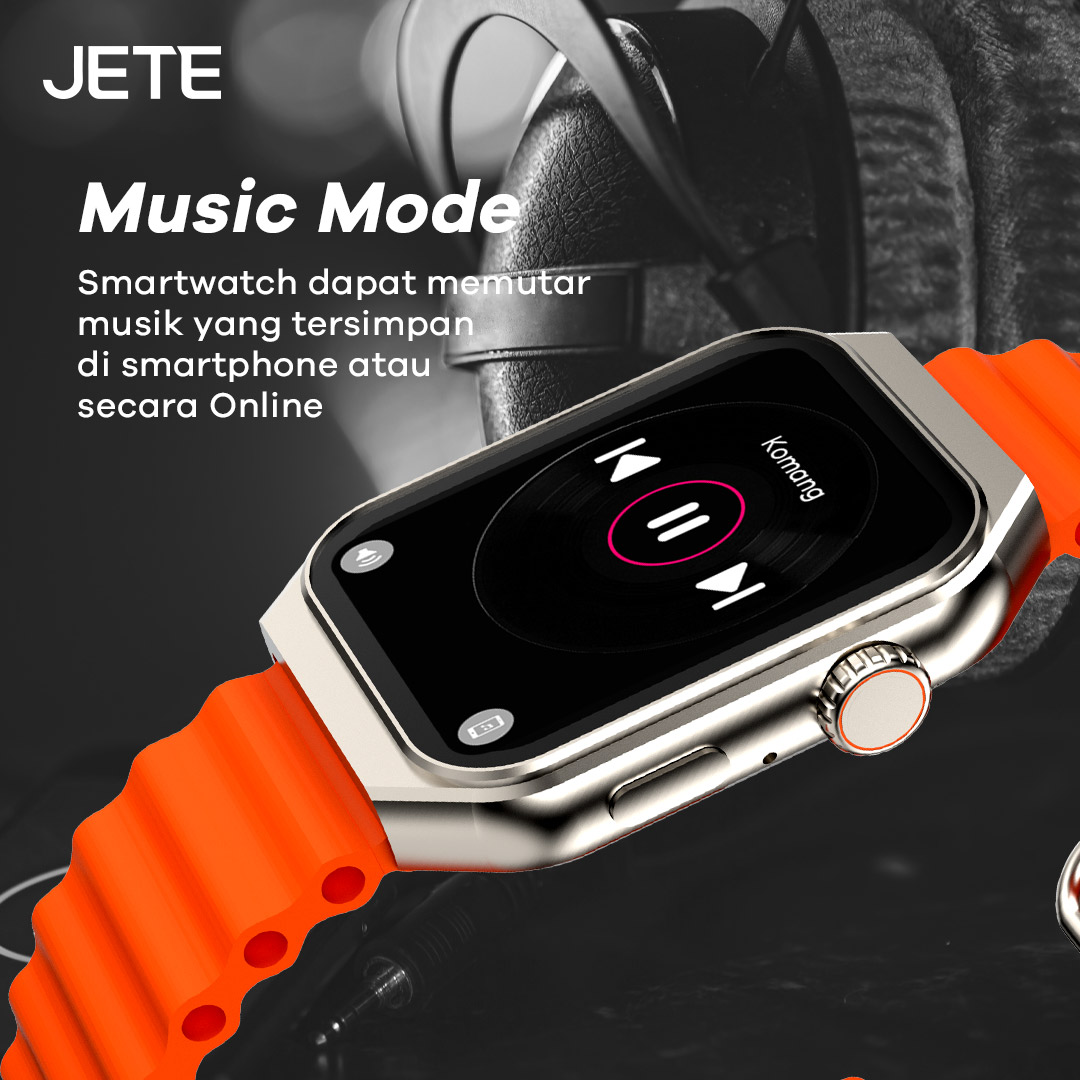
Tetap jaga mood membaik sepanjang hari dengan memutar lagu favorit. Kini, memutar lagu bisa dilkaukan di smartwatch dari daftar putar yang ada di smartphone maupun streaming musik online.
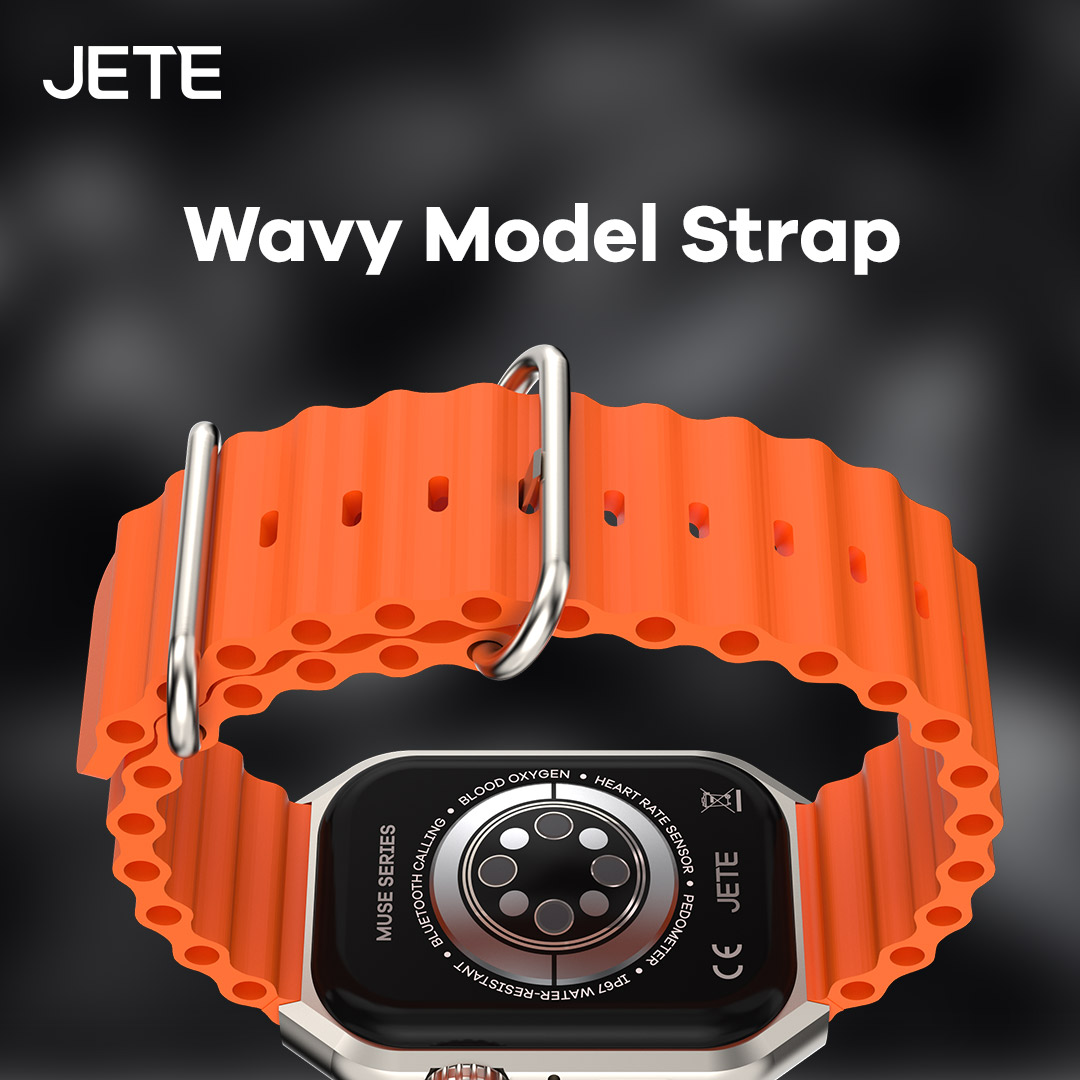
Dengan desain strap bergerigi dan bahan silikon yang lembut, membuat pemakaian lebih nyaman. Cocok bagi pengguna yang menginginkan desain futuristik, elegan, dan fashionable.
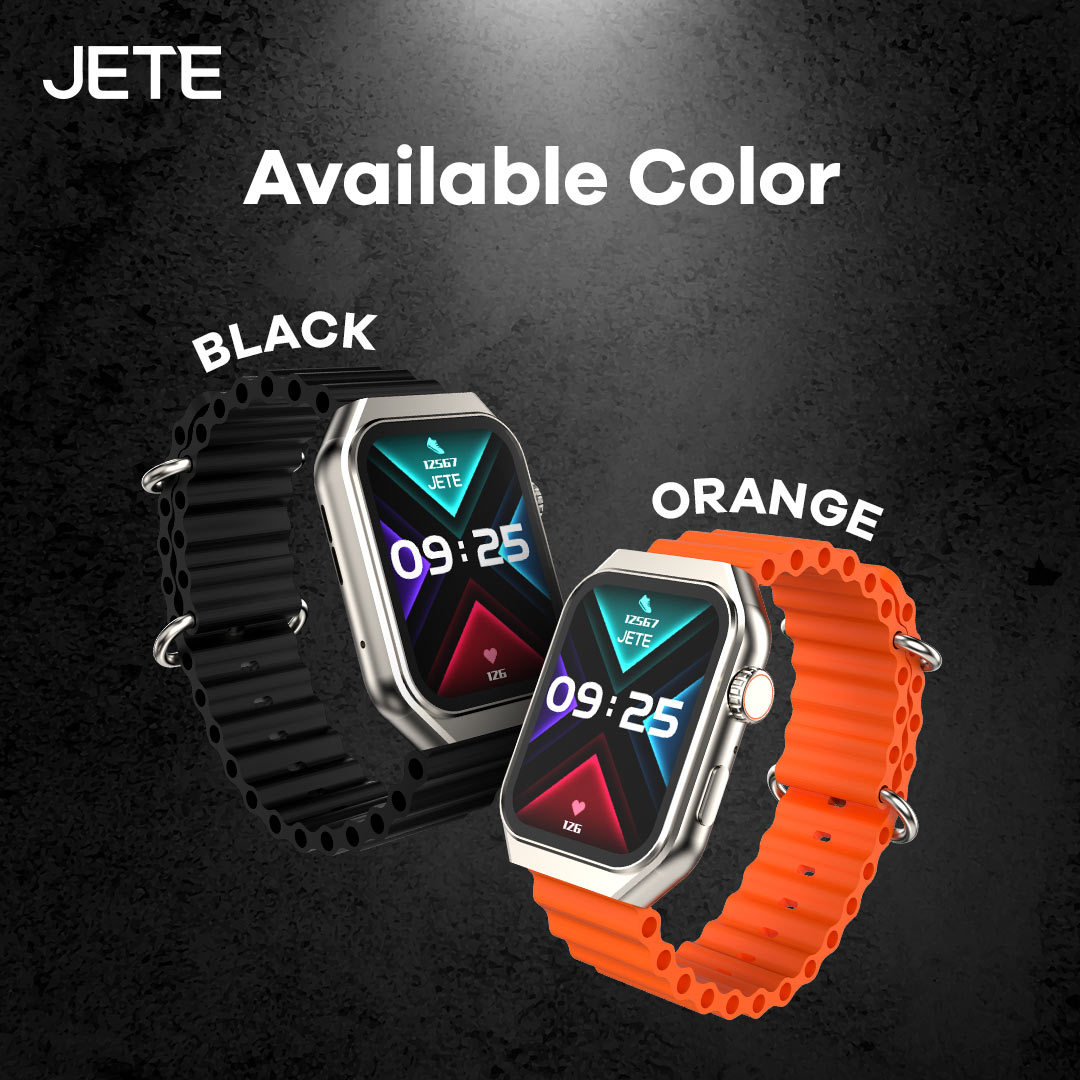
Ada dua pilihan warna yang stylish pada JETE Smartwatch ini yakni Black dan Orange. Pengguna juga dapat menyesuaikan dan memadupadankannya dengan gadget maupun fashion yang dikenakan dalam beraktivitas sehari-hari.
Informasi Tambahan
| Weight | 1000 g |
|---|---|
| Warna | Black, Orange |
Spesifikasi
| Merk | JETE |
| Model | MUSE Series |
| Display | IPS |
| Water Resistant | IP67 |
| Fitur | SPO2, Heart Rate Monitoring, Sleep Monitoring, 100+ Sports Mode, Stress Level, Kalender, Kalkulator, Always On |
| Screen Resolution | 240*296 px |
| Screen Size | 2.1 Inch |
| Band Material | Wavy Silicone |
| Notification | Yes |
| Battery Capacity | 260mAh |
| Working Time | 5-7 Hari |
| Standby Time | 15 Hari |
| Bluetooth | V5.3 + 3.0 |
| Body Material | Zinc Alloy+ABS+IML |
Download User manual JETE Muse
Titik Klaim Garansi Produk JETE di Seluruh Indonesia




