
JETe FR21 User Manual
Panduan lengkap penggunaan produk Smartwatch JETE FR21 untuk memaksimalkan pengalaman pengguna. Dilengkapi instruksi langkah demi langkah, mulai dari instalasi, pengoperasian, hingga pairing.
User Manual / JETE FR21
Hasil Pencarian
×-
English
-
Indonesian
-
How To (Video)
-
FAQ
-
Specification


Video Tutorial
PETUNJUK PENGGUNAAN JETE SMARTWATCH FR21
Cara Pairing Smartwatch JETE ke Aplikasi JETE Connect
Cara Connect JETE Connect ke STRAVA
Frequently Asked Question
1. Periksa kembali settingan Perizinan Aplikasi JETE Connect Pada HP, Pastikan " selalu Izinkan "
2. Periksa kembali settingan Perizinan Aplikasi JETE Connect Pada HP, Pastikan Log Panggilan, Notifikasi, dll - sudah diizinkan
3. Pastikan koneksi terhubung keduanya ( Biru & Orange ) , Bluetooth HP ( Tandanya Warna Biru ) sedangkan Aplikasi ( Tandanya Warna Orange )
4. Periksa kembali pada Aplikasi JETE Connect sudah diizinkan atau belum aplikasi pilihan tersebut diatas.
5. Bila perlu restart HP dan Smartwatch , dan kemudian hubungkan kembali
1. Pastikan Smartwatch sudah terhubung sempurna dengan aplikasi JETE CONNECT,
2. Pilih Olahraga yang akan dilakukan
3. Tunggu hingga GPS dapat terhubung , dan Berhasil .
4. Selesai Olahraga jangan lupa pada ikon " Berhenti " dipilih,
5. Tunggu beberapa saat hingga data olahraga di smartwatch bisa diterima aplikasi JETE Connect
6. Periksa pada Halaman utama ( Home ) Aplikasi di Smartphone kamu " See more / Selengkapnya "
7. Informasi Playtrack GPS, Jarak, Pace, dll bisa kamu dapat .
Mengapa Bisa Berbeda?
Hal ini disebabkan oleh keterbatasan kompatibilitas software dan izin sistem pada beberapa tipe Android, sehingga tidak semua fitur panggilan bisa berjalan dengan sempurna seperti pada iPhone.
1. Gunakan adaptor sesuai dengan daya input yang direkomendasikan untuk produk smartwatch Anda. 5V/2A atau maks 20 Watt.
2. Selalu gunakan kabel charger original/bawaan dari produk.
3. Lakukan pengisian daya selama 90–120 menit maksimal.
4. Hindari overcharging (pengisian daya terlalu lama), karena dapat memperpendek usia baterai.
5. Jangan melakukan pengisian daya saat ditinggal tidur atau dalam waktu yang tidak diawasi.
Dengan mengikuti panduan ini, Anda turut menjaga performa dan umur panjang baterai smartwatch Anda
* Garansi GRATIS SERVICE berlaku untuk kerusakan sistem (bukan karena kesalahan pengguna).
* Aksesories seperti : Kabel Charger, Strap, tidak termasuk dalam klaim garansi apabila mengalami kendala
* Untuk kerusakan fisik, akan dikenakan biaya penggantian unit sesuai kebijakan perusahaan.
* Apabila anda mengalami kendala pada Aksesories Produk Smartwatch dan membutuhkannya, kami melayani penjualan terpisah.
Silakan hubungi Admin Marketplace, CS JETE, atau kunjungi Official Store JETE terdekat untuk info lebih lanjut.
1. Check the permissions settings for the JETE Connect application on your phone, make sure “always allow”.
2. Double check the JETE Connect App Permissions settings on the phone, Make sure Call Logs, Notifications, etc - are allowed
3. Make sure both connections are connected (Blue & Orange), Bluetooth HP (Blue mark) and App (Orange mark).
4. Check again on the JETE Connect Application has been allowed or not the application of choice mentioned above.
5. If necessary restart the HP and Smartwatch, and then reconnect.
1. Make sure your Smartwatch is fully connected to the JETE CONNECT app,
2. Select the Exercise to be performed
3. Wait for the GPS to connect, and succeed.
4. Finish the exercise don't forget the “Stop” icon is selected,
5. Wait a few moments until the exercise data on the smartwatch can be received by the JETE Connect application.
6. Check on the main page (Home) of the application on your smartphone “See more / More ”
7. You can get Playtrack GPS, Distance, Pace, etc information.
1. Use the adapter according to the recommended input power for your smartwatch product. 5V/2A or 20 Watts max.
2. Always use the original charger cable from the product.
3. Charge for 90-120 minutes max.
4. Avoid overcharging, as it may shorten the battery life.
5. Do not charge when left to sleep or during unsupervised times.
By following these guidelines, you are helping to maintain the performance and longevity of your smartwatch battery.
* FREE SERVICE warranty applies to system damage (not due to user error).
* Accessories such as: Charger Cable, Strap, are not included in warranty claims if they experience problems.
* For physical damage, a replacement unit fee will be charged according to company policy.
* If you experience problems with Smartwatch Product Accessories and need them, we serve separate sales.
Please contact the Marketplace Admin, JETE CS, or visit the nearest JETE Official Store for more information.
Specification JETE FR21
- Deskripsi
- Info Tambahan
- Spesifikasi
Deskripsi Produk
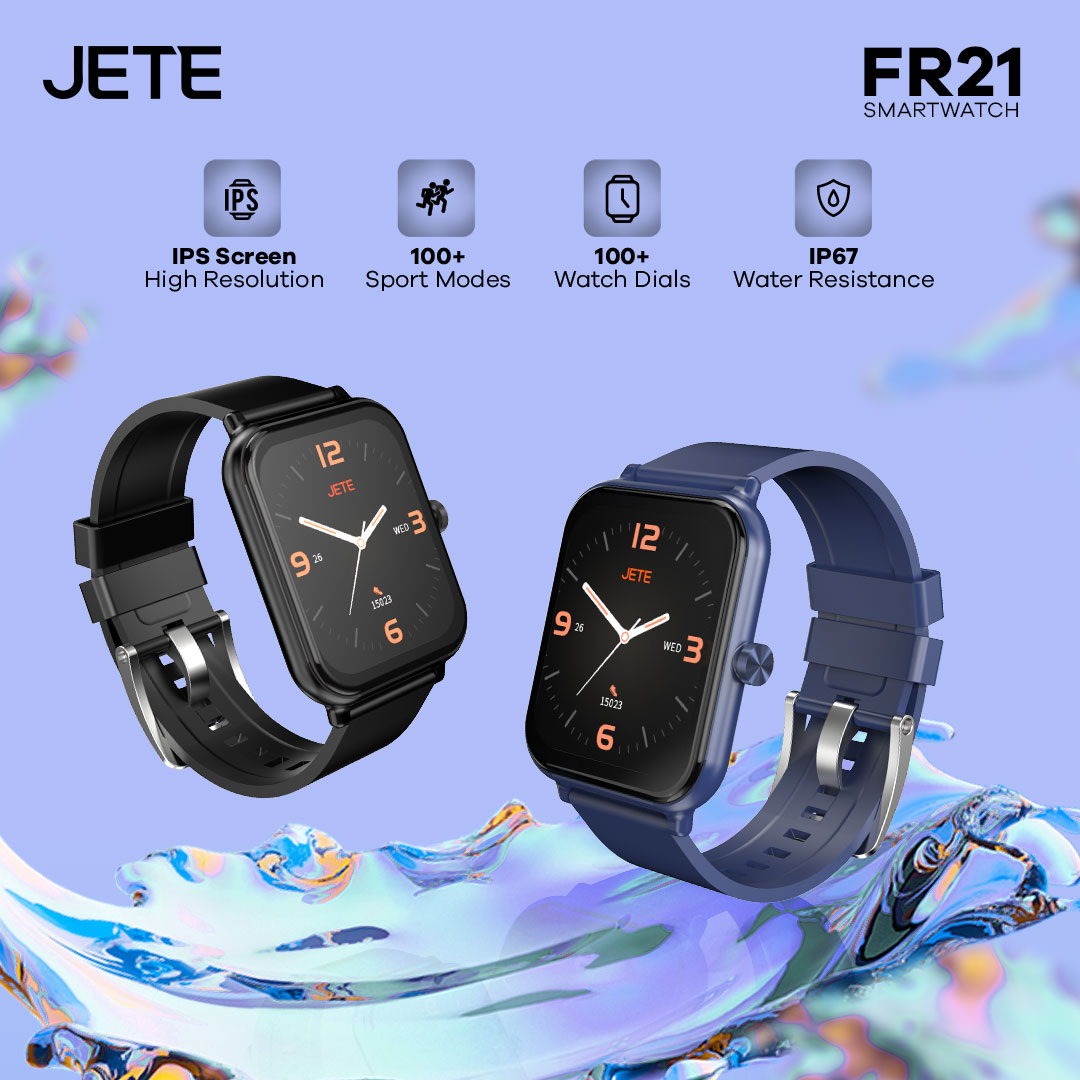
Smartwatch JETE FR21 Series adalah pilihan tepat bagi pengguna yang menginginkan fitur olahraga, pemantau kesehatan, entertain, dan mendukung pekerjaan secara lengkap. Didukung dengan layar jernih, desain ringkas dan kokoh membuatnya bisa diandalkan menemani aktivitas sehari-hari.
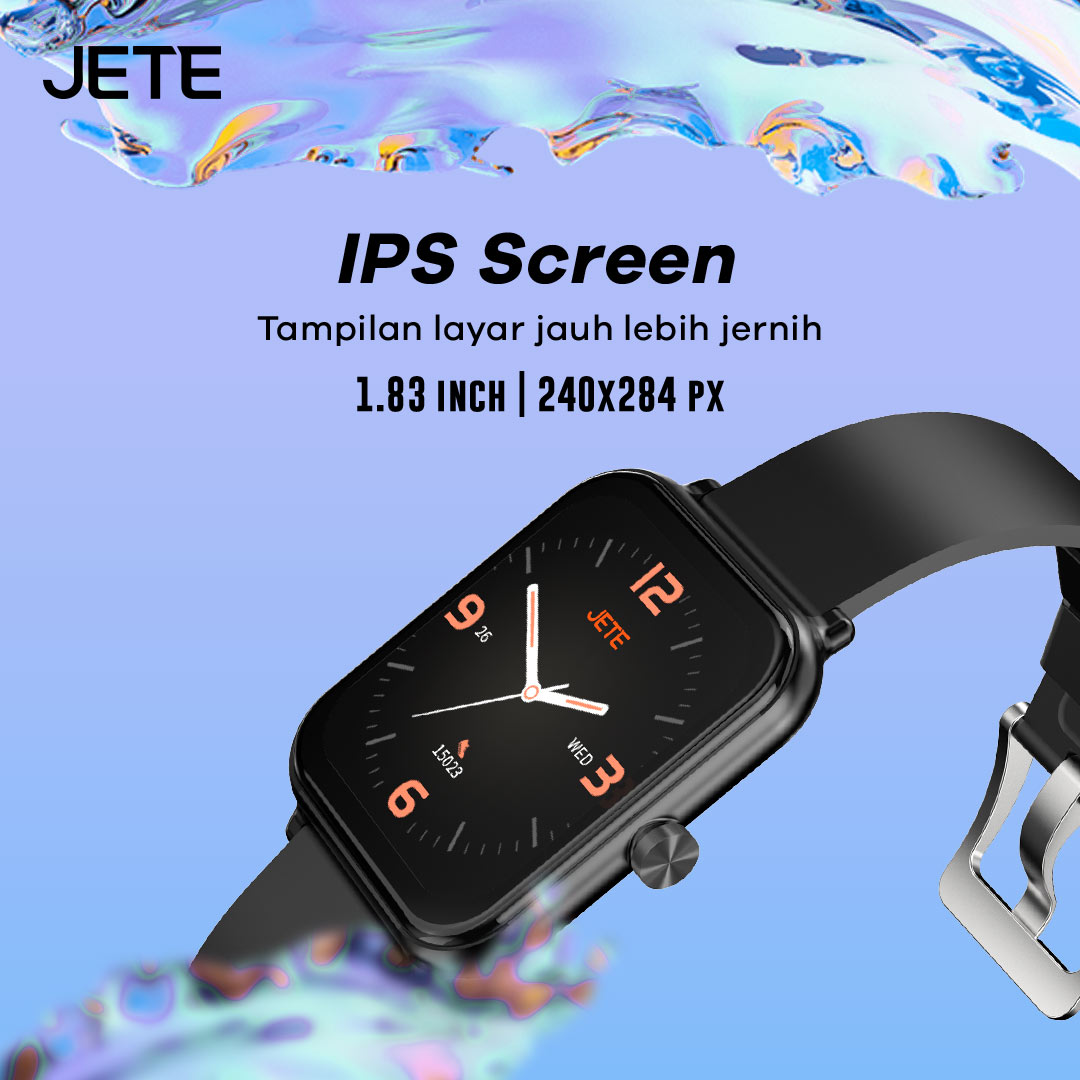
Nikmati kemudahan dalam memantau aktivitas di smartwatch di mana saja dan kapan saja. Dengan tipe layar IPS menjadikannya semakin jernih walaupun berada di bawah terik matahari sekalipun saat melakukan aktivitas luar ruangan
Video Smartwatch JETE FR21 Series
Tonton video selengkapnya, untuk melihat spesifikasi dan fitur smartwatch JETE FR21 Series!
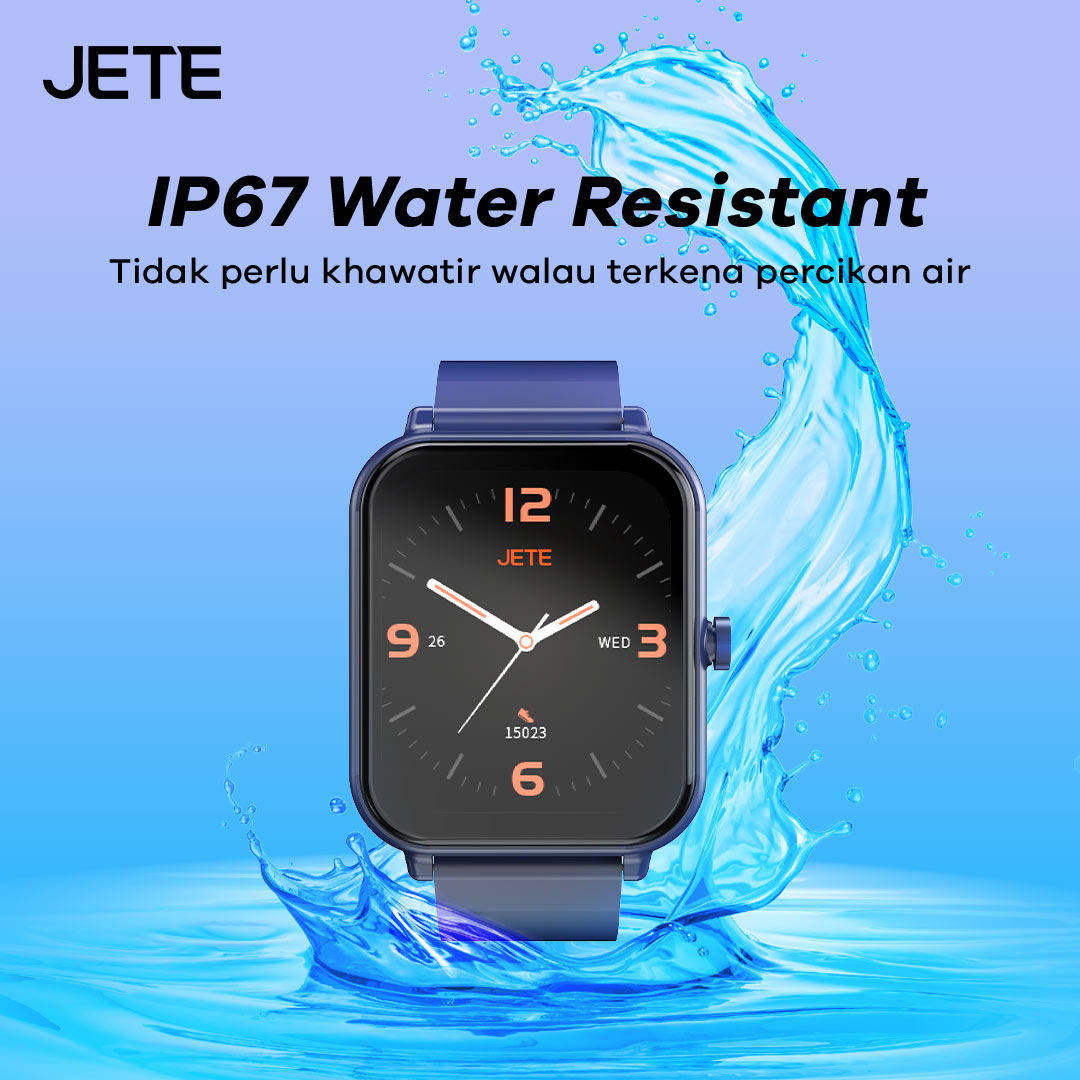
Tak perlu khawatir untuk aktivitas di luar ruangan (outdoor). Adanya sertifikasi IP67 pada jam tangan JETE ini, membuatnya tahan terhadap percikan air dan debu. Selain itu, aman saat hujan gerimis dan keringat ketika digunakan berolahraga.
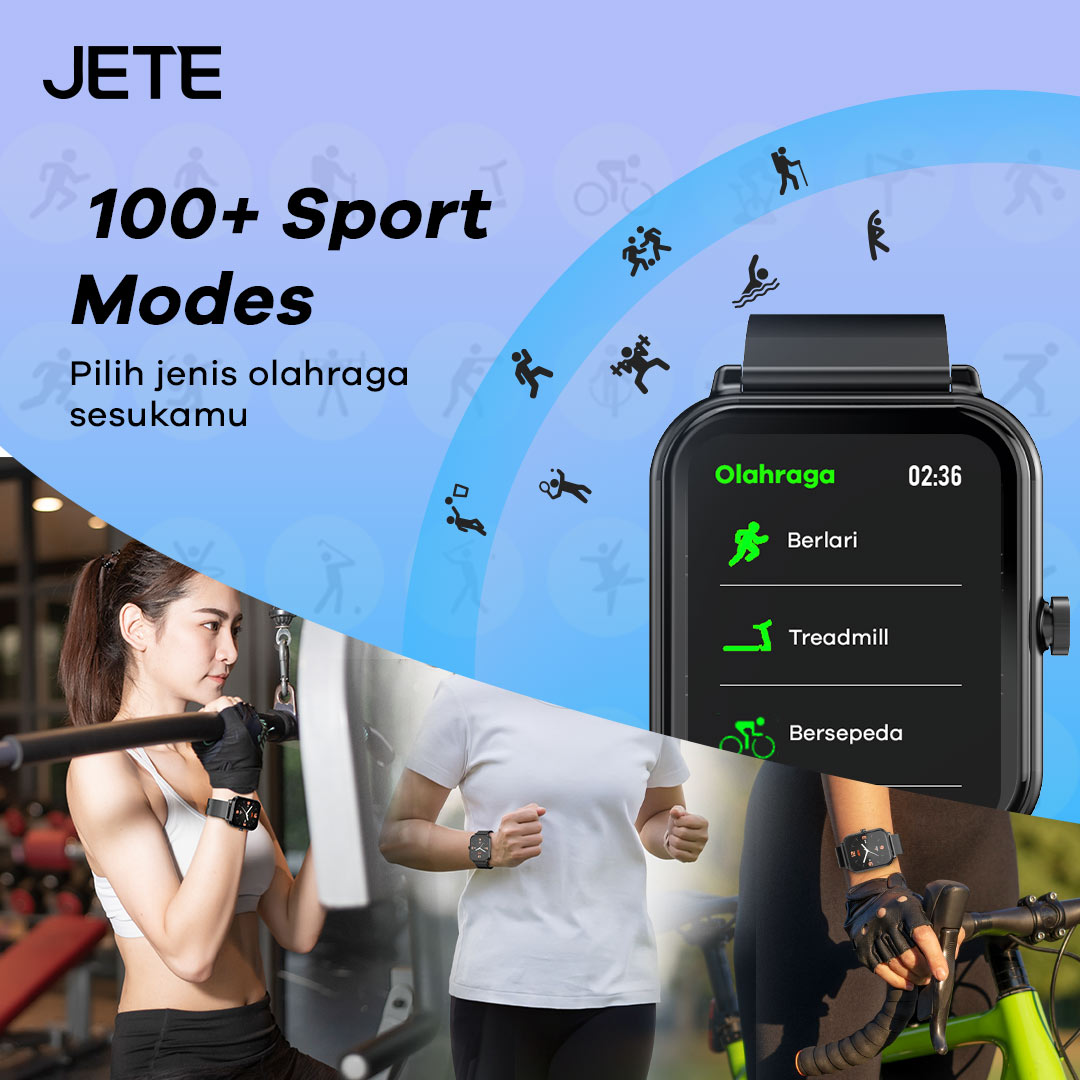
Olahraga semakin nyaman dengan berbagai pilihan hingga 100 mode. Mulai dari lari, bersepeda, dan lainnya. Pantau latihanmu dan sambungkan dengan aplikasi JETE Connect untuk mengetahui hasilnya.
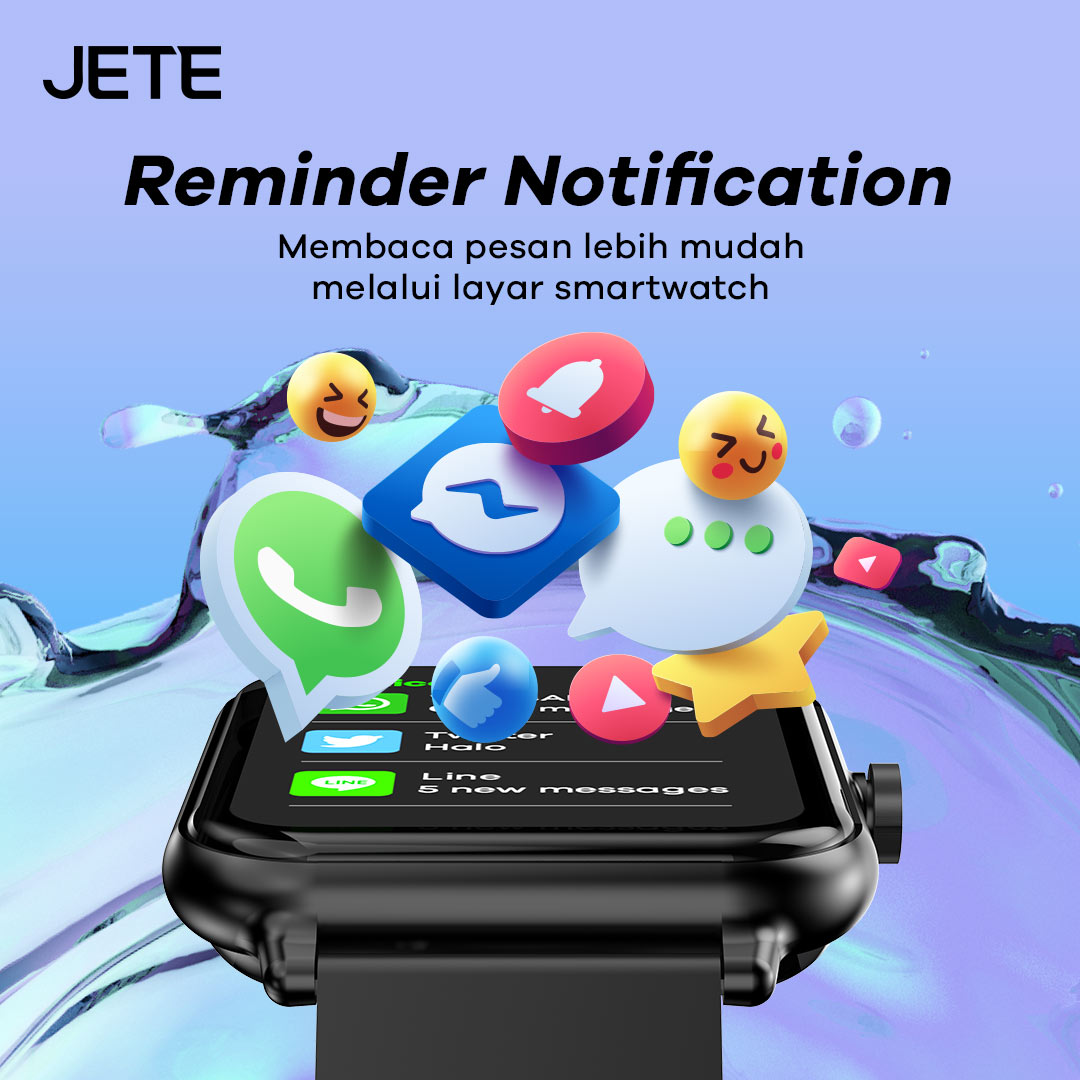
Pengguna dapat melihat notifikasi yang masuk melalui smartwatch saat dihubungkan ke smartphone. Baik pesan dari media sosial maupun perpesanan seperti WhatsApp, Instagram, Twitter, dan lainnya. Termasuk notifikasi dari aplikasi lainnya.
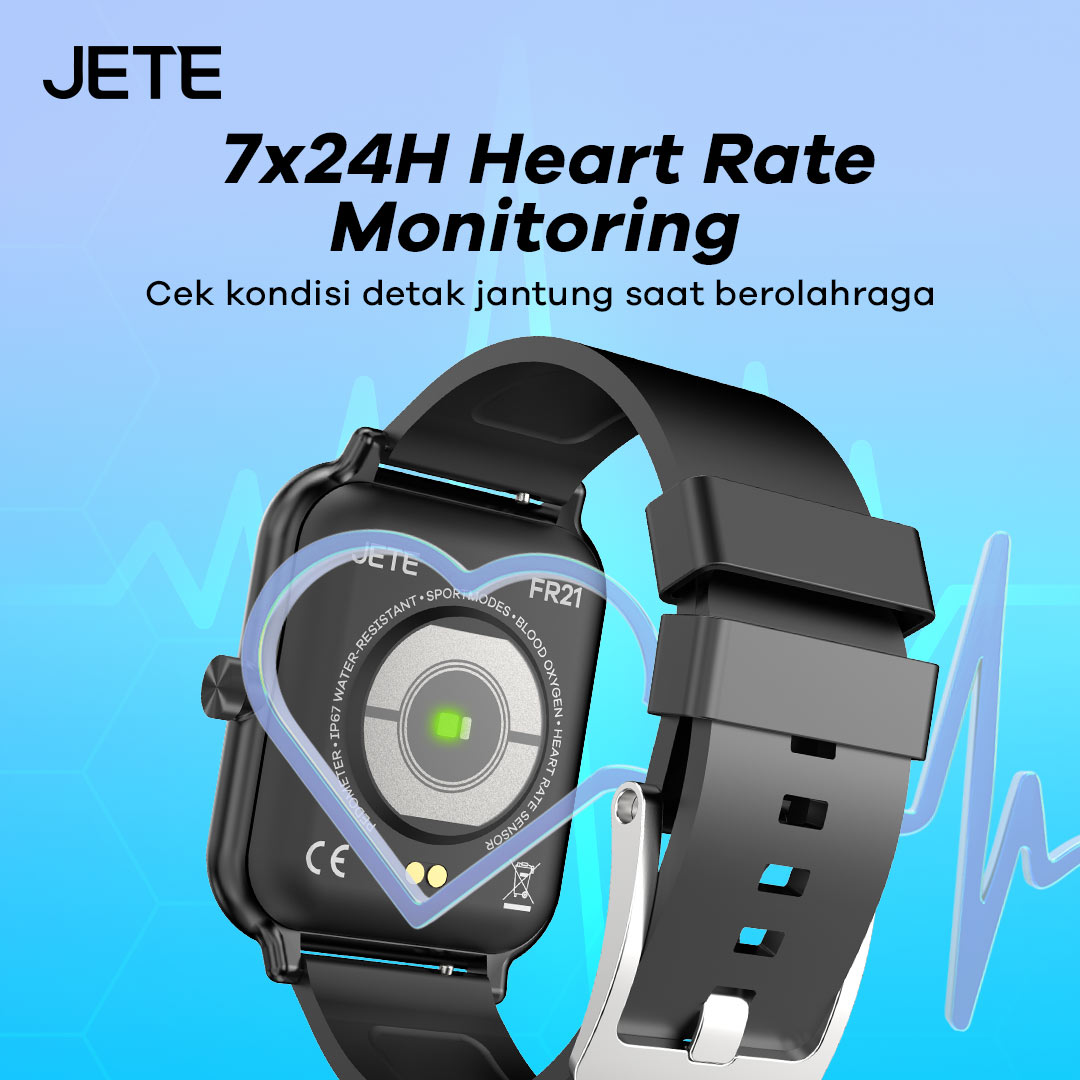
Dilengkapi fitur Heart Rate Monitoring JETE FR21 Series, pengguna akan mengetahui lebih jauh kondisi detak jantung secara realtime. Hal ini sangat membantu dalam menjaga keseimbangan kondisi tubuh sepanjang hari selama 24 jam dalam 7 hari.
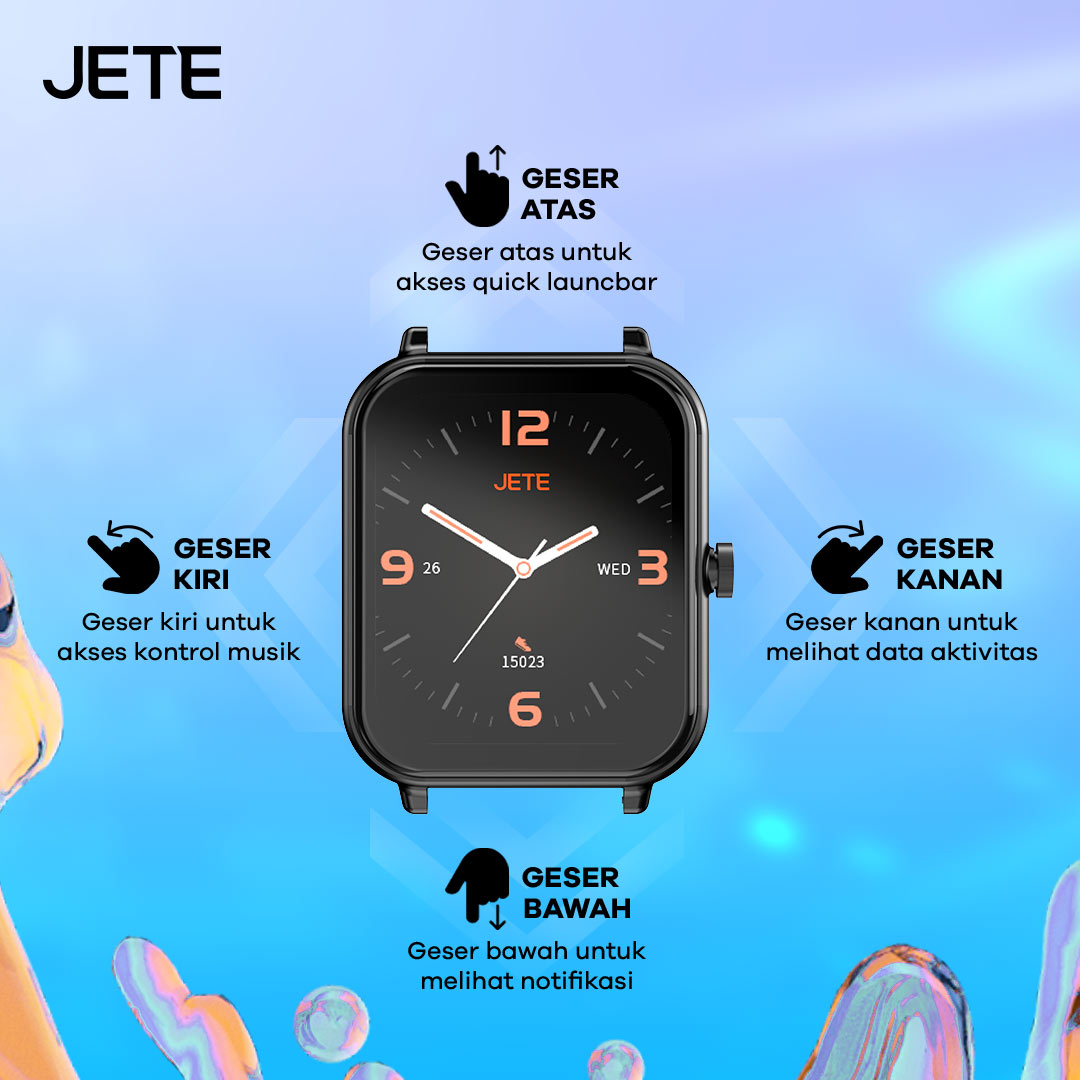
Dirancang untuk kenyamanan pengguna (user friendly) lebih baik. Selain layar yang jernih, pengguna bisa menggunakan fungsi cepat dengan mode Swipe-Up. Cukup geser layar ke arah yang diinginkan dan perpindahannya sangat mulus dan cepat.
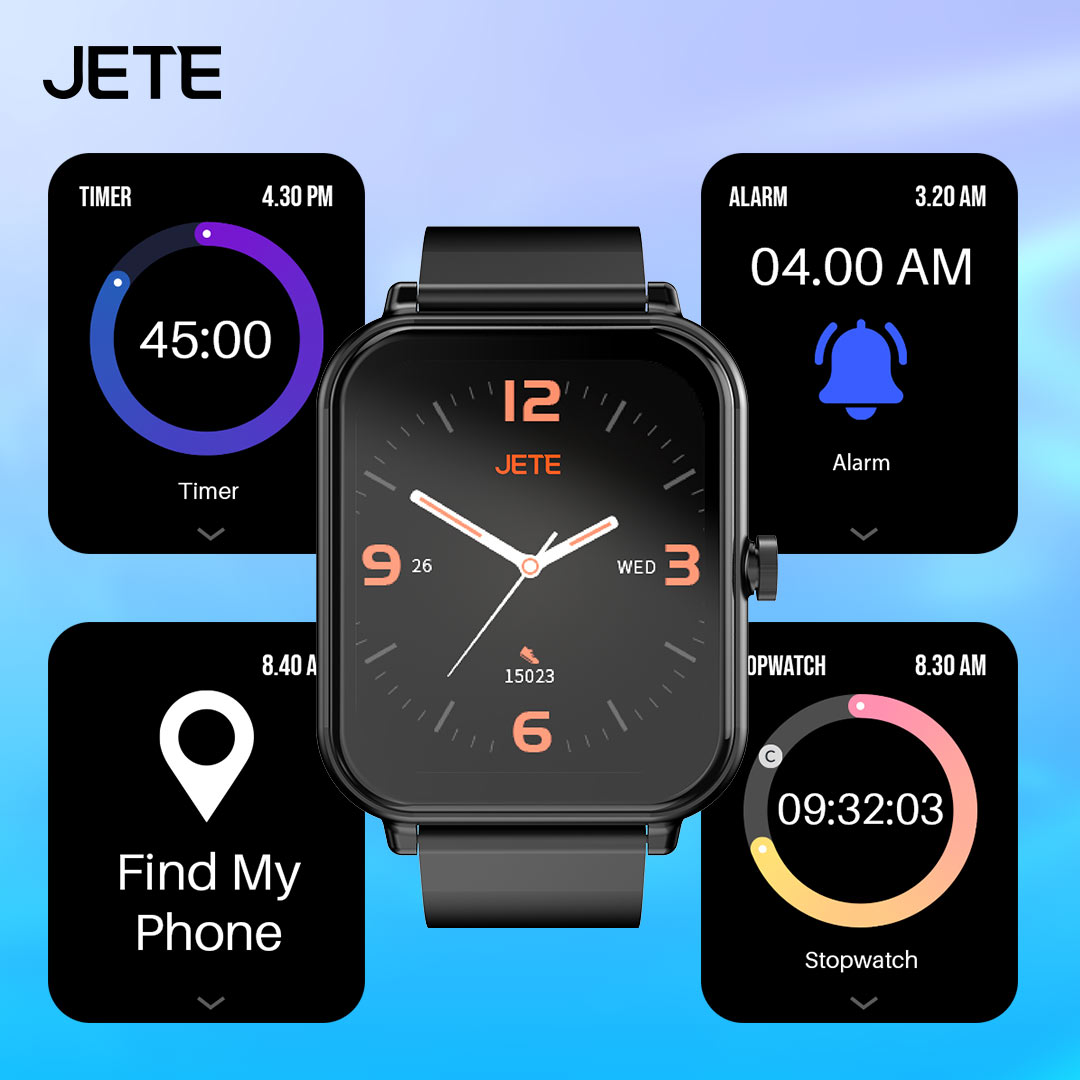
Selain fitur untuk olahraga dan pemantau kesehatan, JETE FR21 Series pun memiliki fitur unggulan lain yang membantu aktivitas. Mulai dari alarm, timer, stopwatch, hingga fitur Find My Phone yang terintegrasi dengan smartphone.
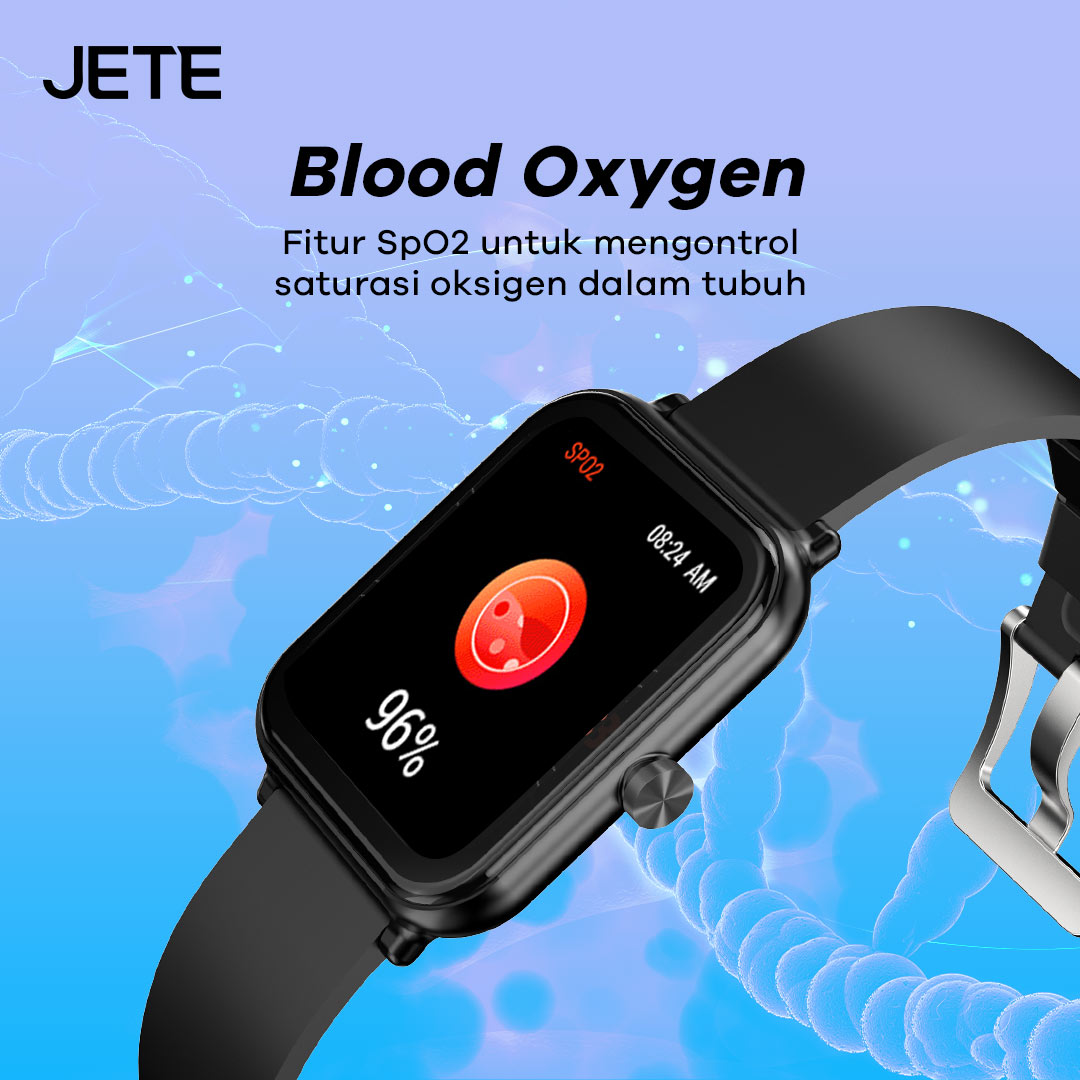
Oksigen dalam tubuh kini bisa dipantau dengan mudah. Berkat fitur SpO2 yang akurat, pengguna bisa melihat berapa kadar oksigen dalam tubuh. Sehingga mendapatkan penanganan lebih cepat apabila terjadi kekurangan oksigen secara drastis.
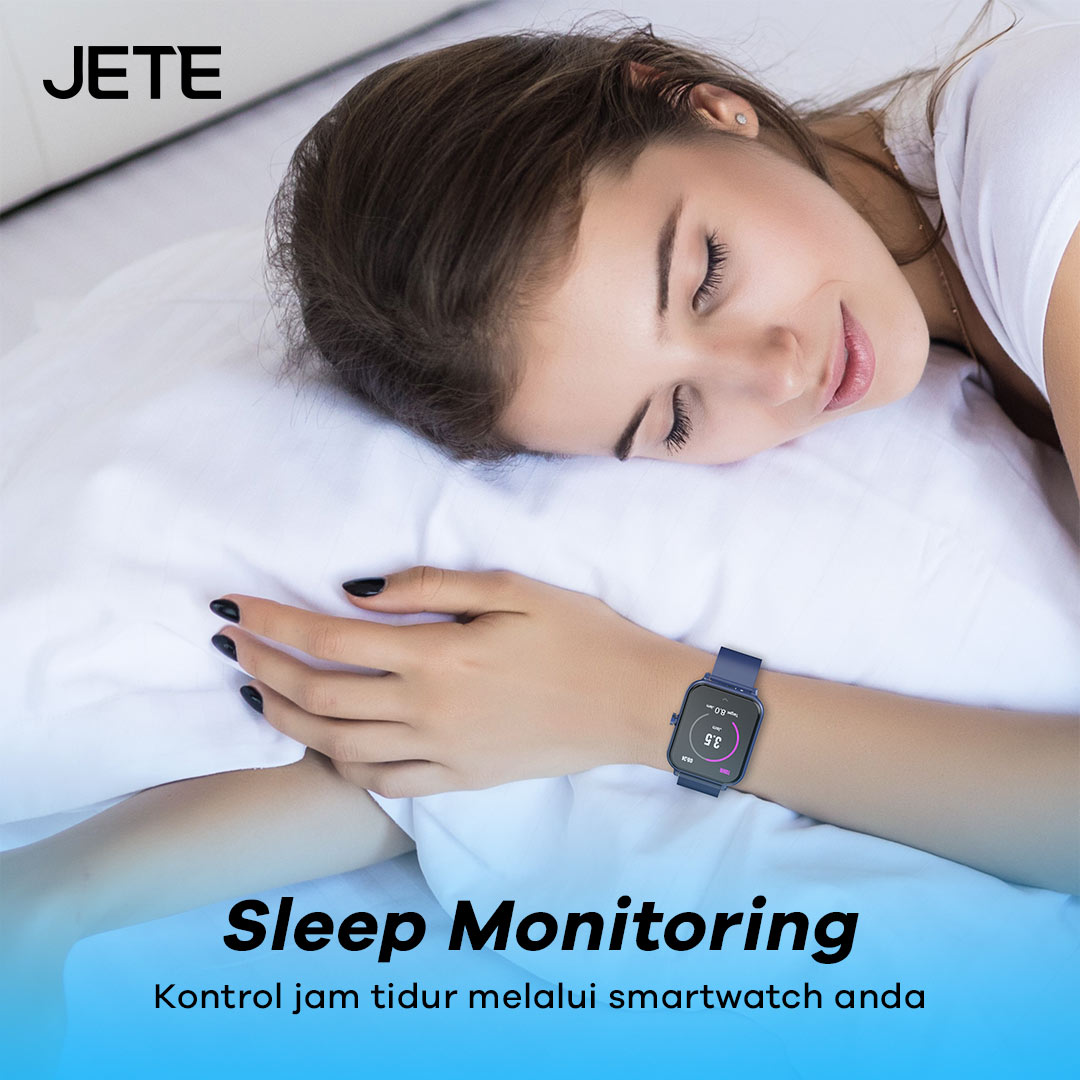
Dengan fitur Sleep Monitoring, pengguna dapat melihat berapa lama waktu tidur hingga tingkat kedalaman tidur. Gunakan JETE FR21 Series di tangan, secara otomatis fitur akan bekerja saat pengguna tidur.
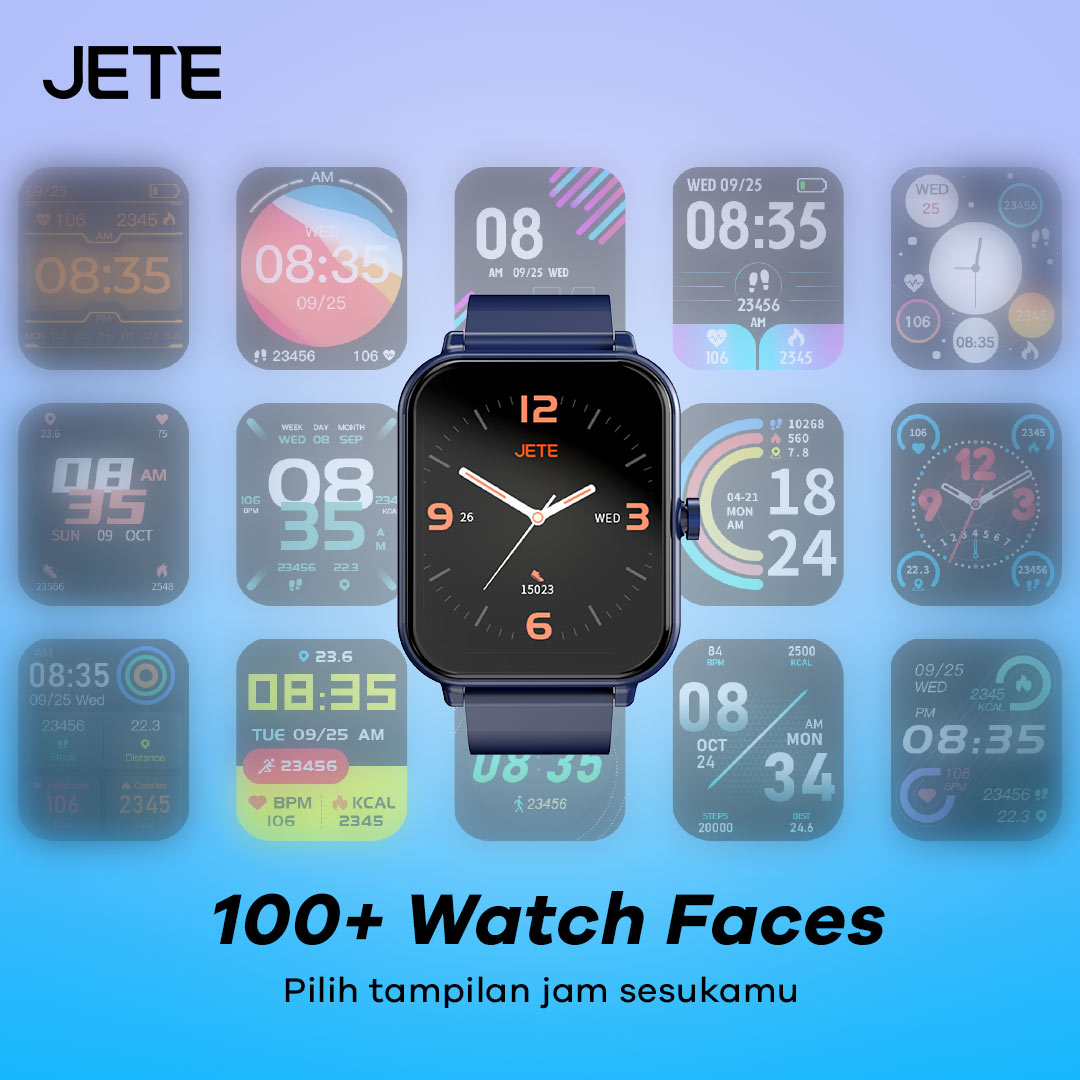
Smartwatch JETE ini memiliki lebih dari 100 tampilan layar yang bisa dipilih. Dimana desain layar ini hadir dengan model terbaru dan bisa dipilih sesuai dengan karakter pengguna.

Pengguna dapat melakukan pengaturan tampilan wallpaper dan Watch Face sesuka hati sesuai karakter yang diinginkan. Ada pula berbagai gambar-gambar custom keren yang dapat dipilih. Dengan tampilan ini akan membuat pengguna lebih percaya diri di mana saja dan kapan saja.
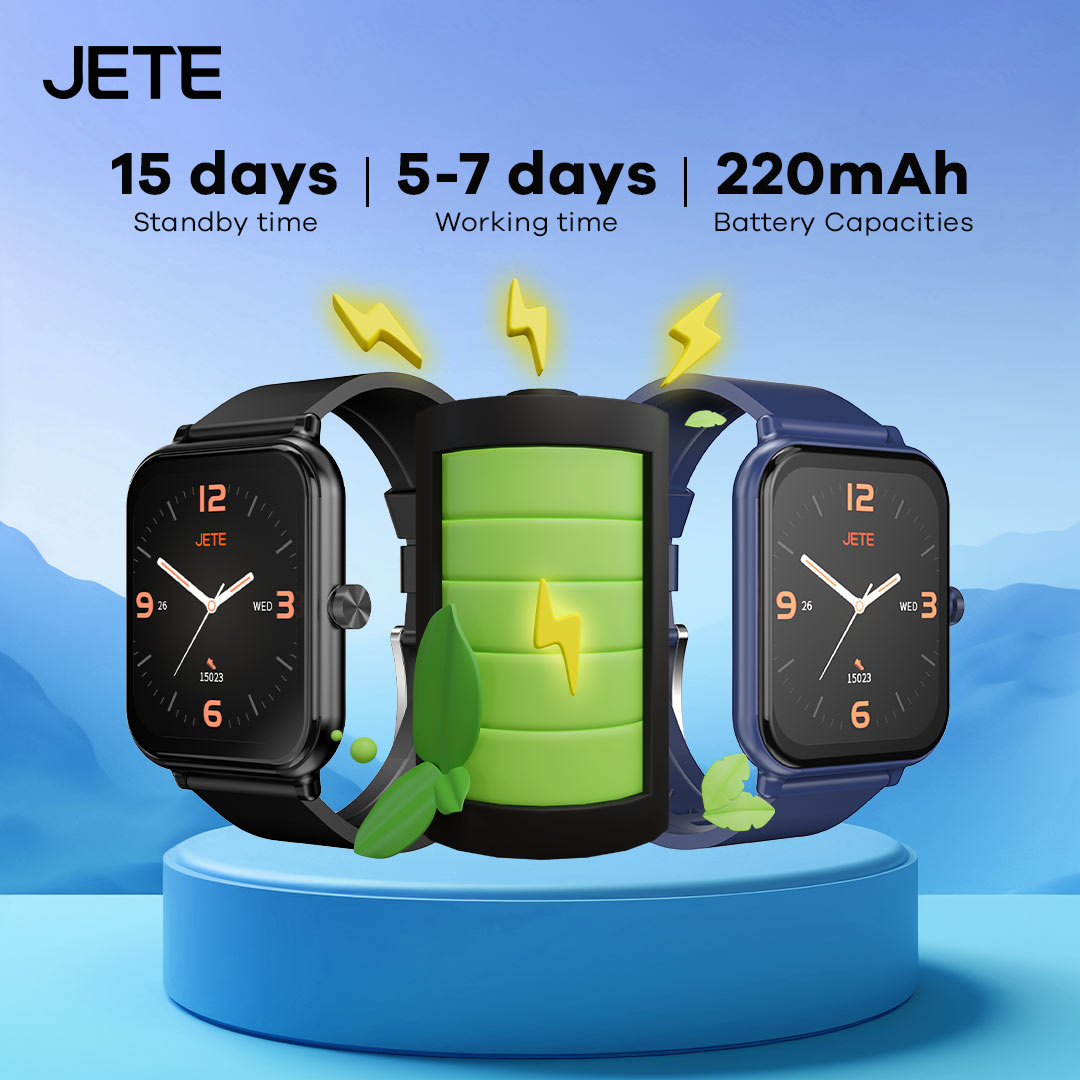
Tak perlu ragu untuk berpetualang dalam waktu lama. Sebab, jam tangan ini memiliki ketahanan baterai yang unggul. Dengan kapasitas 220mAh, tahan hingga 15 hari waktu standby dan 5-7 hari untuk working time. Sehingga, bisa diandalkan untuk aktivitas harian.
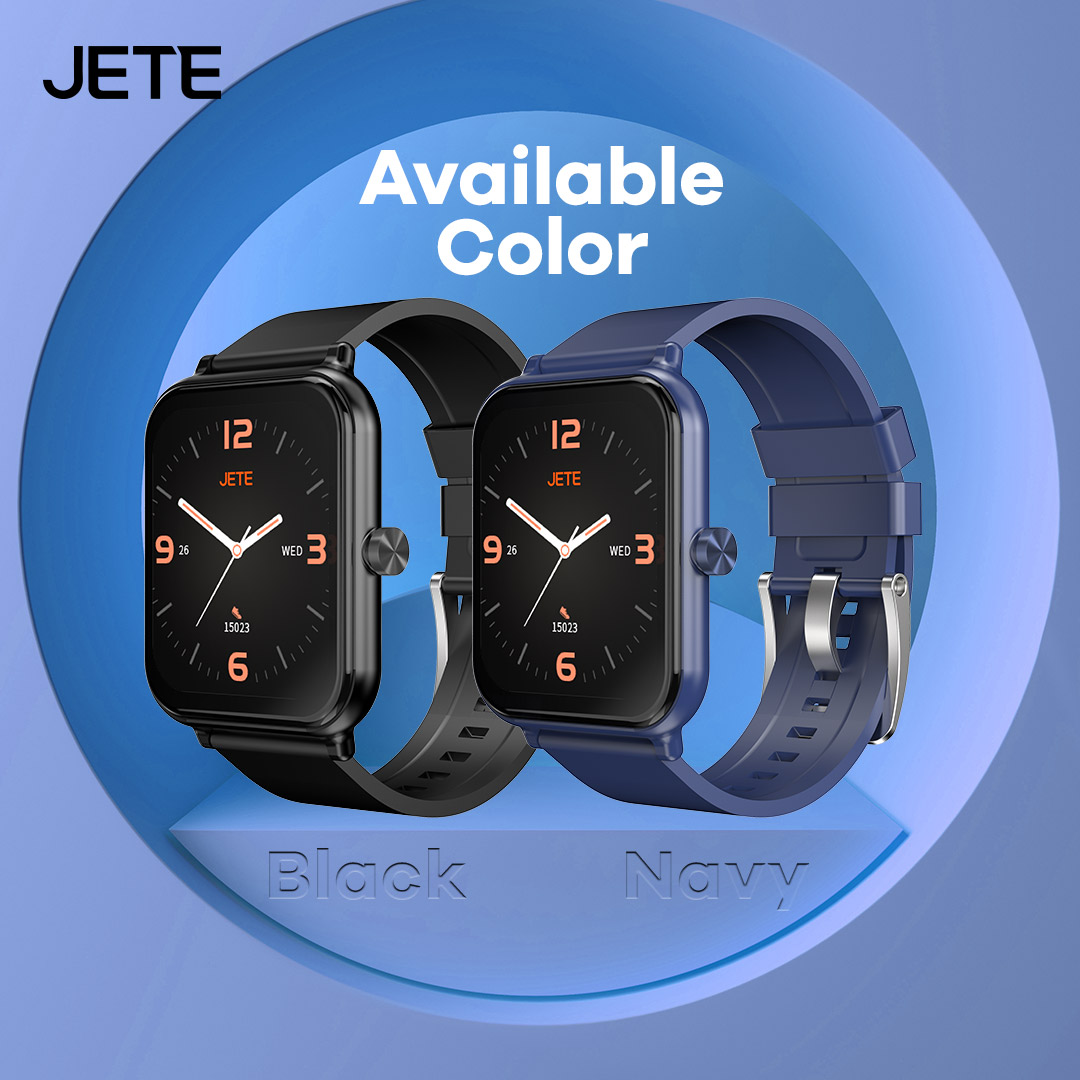
JETE Smartwatch seri ini hadir dalam dua warna Black dan Navy, memberikan kesan elegan bagi para penggunanya. Pilih warna sesuai dengan karakter dan padupadankan dengan style fashionmu.
Informasi Tambahan
| Weight | 1000 g |
|---|---|
| Warna | Black, Navy |
Spesifikasi
| Merk | : JETE |
| Model | : FR21 Series |
| Display | : IPS |
| Water Resistance | : IP67 |
| Fitur | : SPO2, Heart Rate Monitoring, Sleep Monitoring, 100+ Sports Mode, Stress Level |
| Resolution | : 240*284 px |
| Screen Size | : 1.83 Inch |
| Strap | : Silicone |
| Notification | : Yes |
| Battery | : 220mAh |
| Working time | : 5-7 Hari |
| Standby Time | : 15 Hari |
| Bluetooth | : V5.3 |
| Material | : ABS + PC Plastic |
Download User manual JETE FR21
Titik Klaim Garansi Produk JETE di Seluruh Indonesia


