
JETe OpenFlow User Manual
Panduan lengkap penggunaan produk Headset Open Series JETE OpenFlow untuk memaksimalkan pengalaman pengguna. Dilengkapi instruksi langkah demi langkah, mulai dari instalasi, pengoperasian, hingga pairing.
User Manual / JETE OpenFlow
Hasil Pencarian
×-
English
-
Indonesian
-
How To (Video)
-
FAQ
-
Specification


Video Tutorial
JETE OPENFLOW - HIFI SOUND, 28 HOURS PLAYTIME
PETUNJUK PENGGUNAAN JETE OPENFLOW
Frequently Asked Question
- Gunakan batok charger sesuai daya input produk 5V 1A/2A atau maksimal 20 watt
- Gunakan kabel pengisian daya bawaan dari produk atau bisa gunakan kabel pengisian daya USB to C
- Lakukan pengisian daya hingga penuh sesuai spesifikasi produk atau paling lama 2 jam pada produk ini.
- Lakukan pengisian daya pada saat baterai menunjukkan 20%, hindari menyimpan speaker dalam keadaan baterai kosong terlalu lama (bisa merusak sel baterai).
- Saat pengisian daya perhatikan suhu ruang, karena pengisian daya pada suhu lingkungan yang panas dapat mempengaruhi kinerja baterai .
Hindari kebiasaan overcharging (mengisi daya terlalu lama setelah penuh), karena dapat mempercepat penurunan kualitas dan umur baterai.
Waktu penggunaan bisa berbeda dari spesifikasi karena beberapa faktor, seperti :
- Volume digunakan terlalu tinggi (Lebih dari 50 - 70%)
- Jenis musik atau file audio yang diputar
- Fitur tambahan aktif (seperti lampu LED, bass boost)
- Distorsi signal dan kestabilan koneksi Bluetooth dengan Perangkat anda
Playtime pada spesifikasi adalah estimasi maksimal dalam kondisi ideal. Penggunaan nyata bisa bervariasi tergantung cara pakai.
- Pastikan perangkat tidak terhubung ke perangkat gadget yang lain disekitar anda, tandanya pada lampu indikator bila awal berkedip-kedip dan kemuudian Nyala/Mati Artinya TWS terhubung ke perangkat terdekat disekitaran anda dengan jarak 10 meter.
- Hapus beberapa sambungan bluetooth di Perangkat anda untuk menciptakan ruang baru bagi sambungan bluetooth JETE Open series yang ingin anda hubungkan.
- Bila perlu Restart kembali perangkat yang anda gunakan atau Reset pabrik JETE Open series yang anda miliki.
- Lakukan pencarian Bluetooth sesuai tipe JETE Open series yang ingin dihubungkan
- Bila sudah muncul tipe JETE Open series yang dimiliki, anda dapat menggunakannya untuk memutar musik/telfon
Bila tetap mengalami kendala, silahkan kunjungi official store terdekat kami atau doran care untuk dibantu kendala teknisnya.
- Posisi Mikrofon JETE Open series : Letak mic ada di sisi bawah earbud, sehingga jika terlalu jauh/tertutup rambut atau masker, suara bisa terdengar kecil.
- Kondisi Lingkungan : Saat ada banyak noise/bising, sistem noise reduction berusaha meredam suara sekitar dan kadang ikut menurunkan volume suara pengguna.
- Kualitas Jaringan : Jika sinyal telepon/WhatsApp tidak stabil, suara bisa terdengar kecil atau terputus.
- Perbedaan Perangkat : Hasil suara juga dipengaruhi tipe HP penerima, karena setiap perangkat punya sensitivitas mic yang berbeda.
Suara kecil saat telepon wajar terjadi karena posisi mic JETE Open series, kondisi sekitar, atau kualitas jaringan, Khususnya untuk Jete Open Series yang belum memiliki Fitur ENC atau Microphone eksternal seperti di Openfast mic. Disarankan gunakan JETE Open series di tempat yang tidak terlalu bising agar suara lebih jelas.
- Kerusakan pada unit JETE Open series dapat diajukan klaim garansi dan akan diganti dengan unit baru.
- Aksesories Produk : Kabel Charger , Strap pada JETE Open series tidak termasuk klaim garansi bila mengalami kendala.
- Kerusakan fisik atau percobaan modifikasi oleh pengguna tidak termasuk dalam garansi dan tidak dapat diklaim.
Silakan hubungi Admin Marketplace, CS JETE, atau kunjungi Official Store JETE terdekat untuk info lebih lanjut.
- Ensure the product is dry before charging, especially after use during sports or outdoor activities.
- Use a charger with an input power of 5V 1A/2A or a maximum of 20 watts.
- Use the charging cable that comes with the product or a USB to C charging cable.
- Charge the product to full capacity according to the product specifications or for a maximum of 2 hours.
- Charge the battery when it shows 20% remaining. Avoid leaving the speaker with a completely drained battery for extended periods, as this can damage the battery cells.
- Monitor the room temperature during charging, as charging in a hot environment can affect battery performance.
Avoid overcharging (charging for too long after it's fully charged), as this can accelerate battery degradation and reduce its lifespan.
Usage time may differ from specifications due to several factors, such as:
- Volume set too high (more than 50-70%)
- Type of music or audio file being played
- Additional features enabled (such as LED lights, bass boost)
- Signal distortion and Bluetooth connection stability with your device
The playtime listed in the specifications is the maximum estimate under ideal conditions. Actual usage may vary depending on how the device is used.
- Ensure that the device is not connected to other gadgets around you, indicated by the indicator light flashing initially and then turning on/off. This means that the TWS is connected to the nearest device around you within a 10-meter range.
- Delete some Bluetooth connections on your device to create space for the JETE Open series Bluetooth connection you want to connect.
- If necessary, restart the device you are using or factory reset your JETE Open series.
- Perform a Bluetooth search for the JETE Open series model you wish to connect.
- Once the JETE Open series model appears, you can use it to play music or make calls.
If you continue to experience issues, please visit our nearest official store or contact customer support for technical assistance.
- JETE Open series microphone position: The mic is located on the bottom of the earbud, so if it is too far away or covered by hair or a mask, the sound may be small.
- Environmental Conditions: When there is a lot of noise, the noise reduction system tries to suppress surrounding sounds and sometimes also lowers the user's voice volume.
- Network Quality: If the phone/WhatsApp signal is unstable, the voice may sound faint or cut out.
- Device Differences: Sound quality is also affected by the type of receiving phone, as each device has different microphone sensitivity.
Quiet sound during calls is normal due to the microphone position of the JETE Open series, surrounding conditions, or network quality. This is especially true for the JETE Open Series, which does not have ENC features or an external microphone like the Openfast mic. It is recommended to use the JETE Open series in a quieter environment for clearer sound.
- Damage to JETE Open series units can be claimed under warranty and will be replaced with a new unit.
- Product accessories: Charger cables and straps for the JETE Open series are not covered under warranty if they experience problems.
- Physical damage or attempted modification by the user is not covered under warranty and cannot be claimed.
Please contact the Marketplace Admin, JETE Customer Service, or visit the nearest JETE Official Store for more information.
Specification JETE OpenFlow
- Deskripsi
- Info Tambahan
- Spesifikasi
Deskripsi Produk
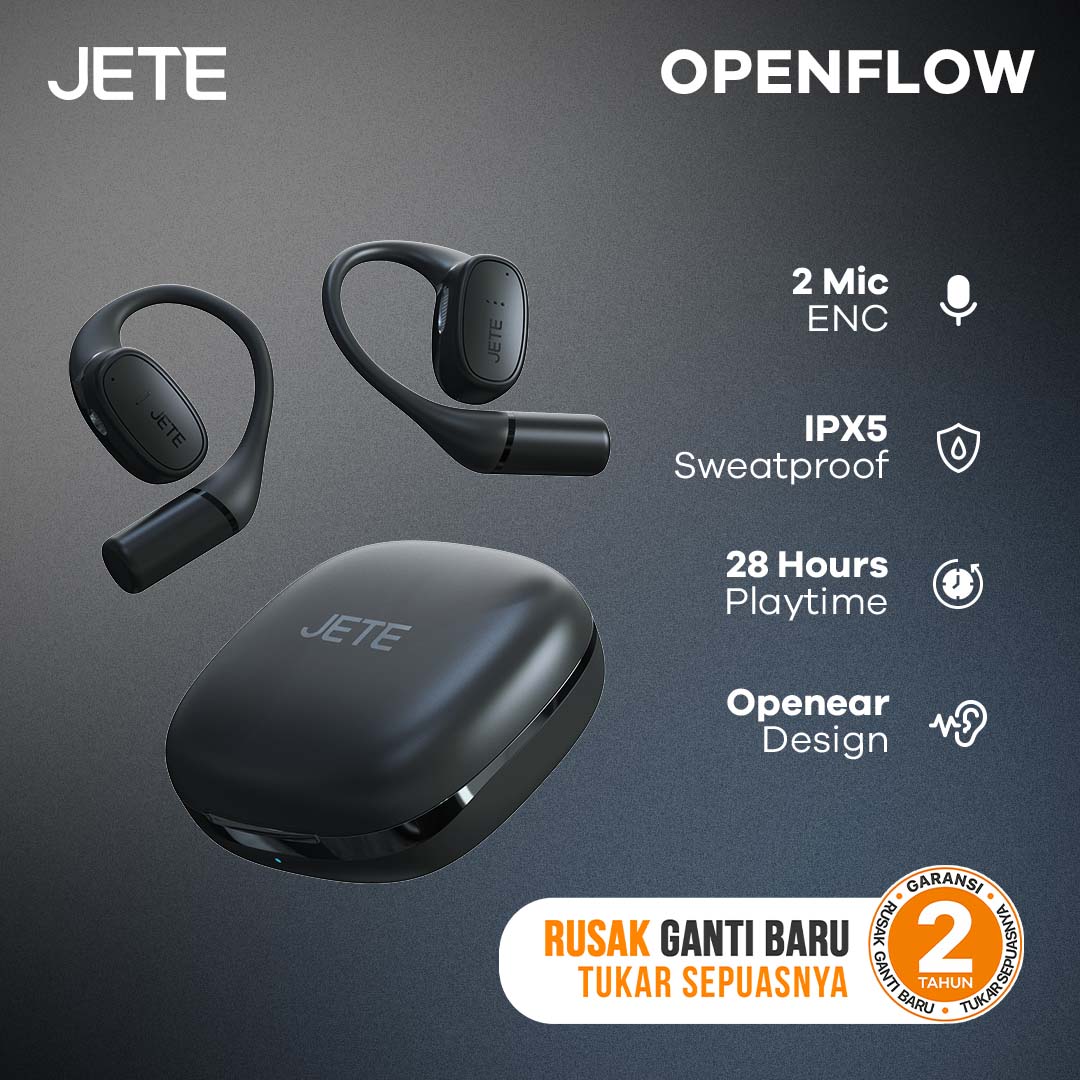
OWS JETE OpenFlow Series adalah earbud dengan desain open-ear yang nyaman digunakan untuk olahraga dan aktivitas kerja. Didukung dengan teknologi audio terkini, menghadirkan pengalaman imersif. Desain yang ergonomis dan fleksibel membuatnya nyaman digunakan sepanjang hari.
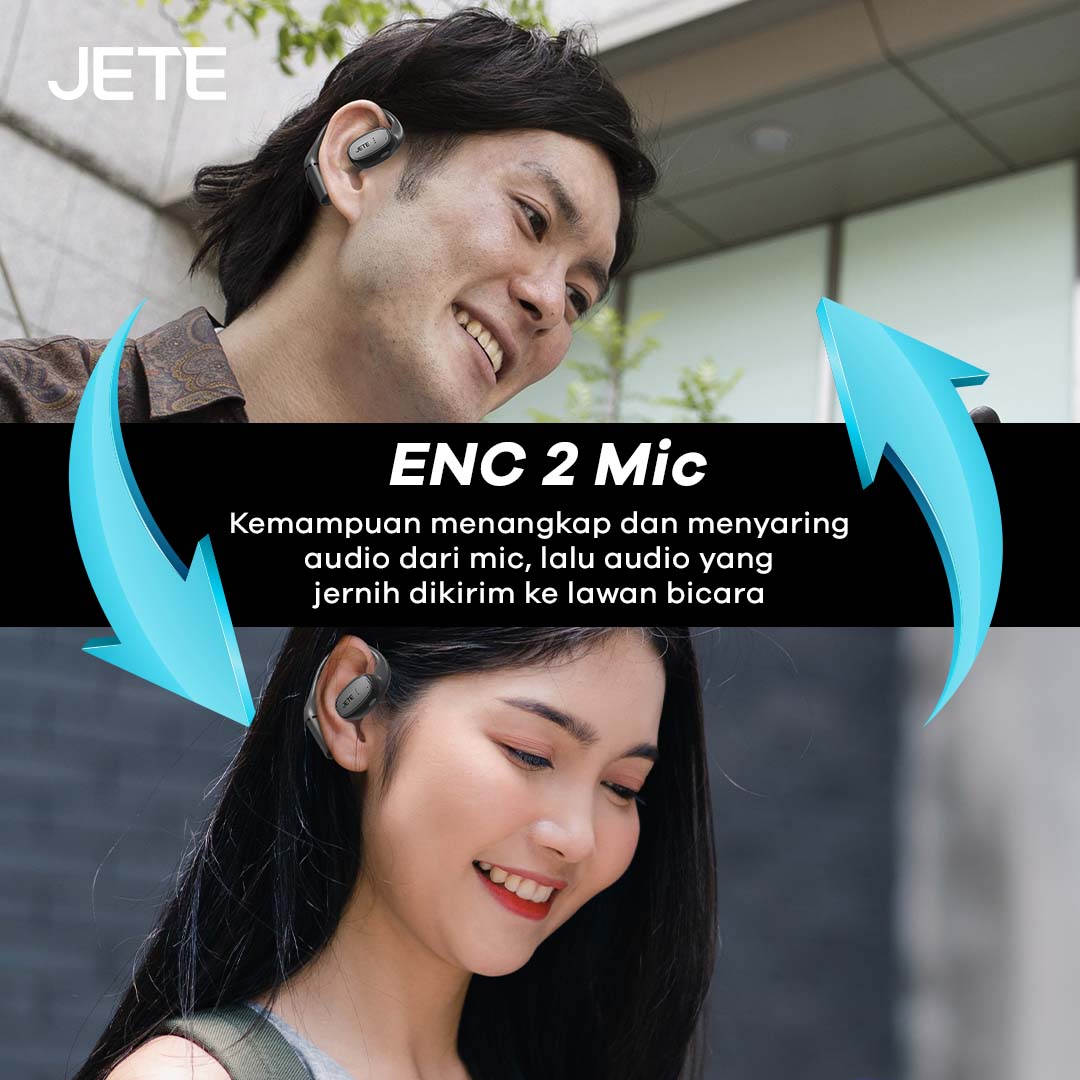
Gunakan untuk melakukan panggilan jadi lebih nyaman. Ini berkat dukungan ENC 2 Mic yang membuat suara lebih jernih dan jelas. Dimana mikrofon yang terpasang juga mampu menyaring kebisingan area sekitarnya.
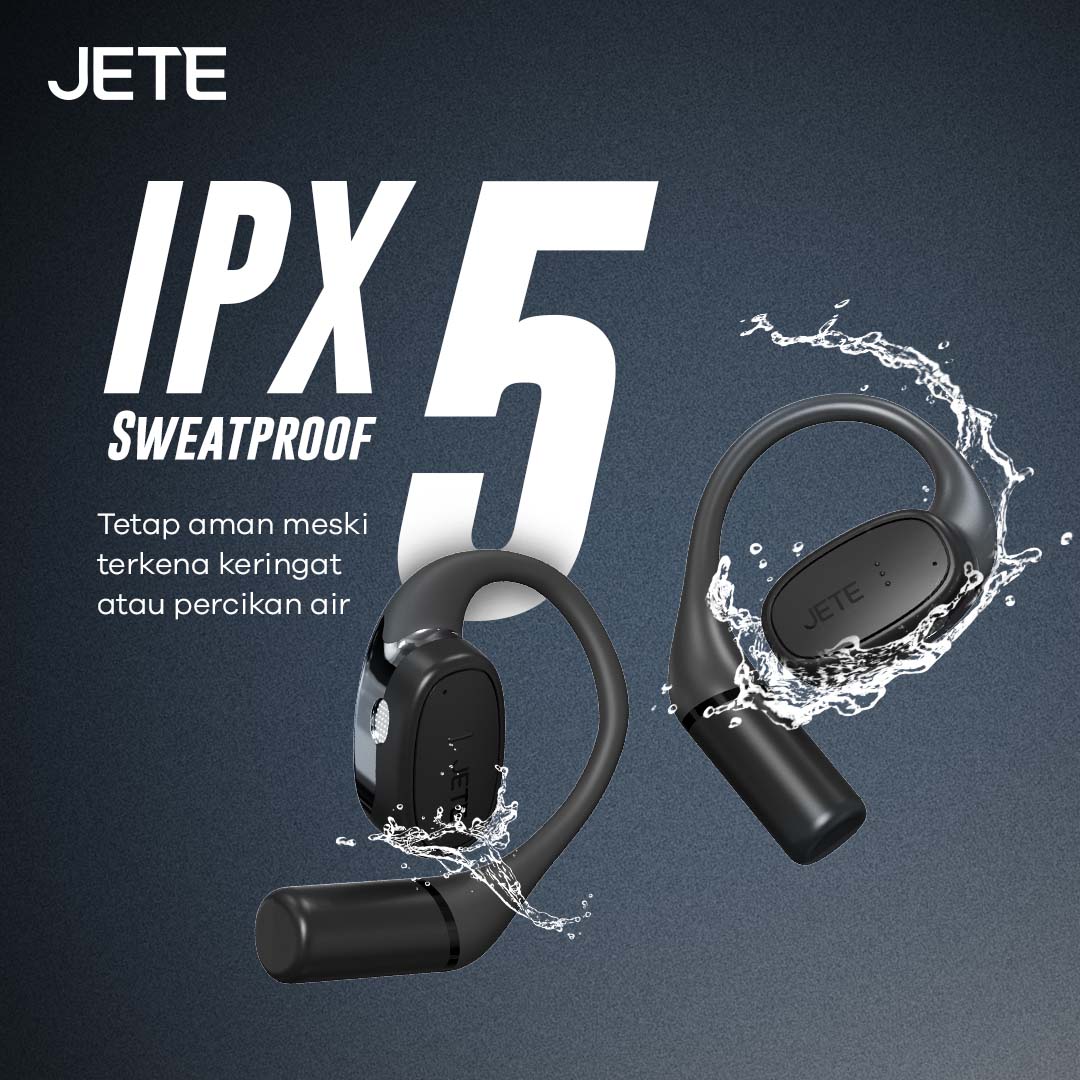
Tak perlu lagi khawatir terkena air dan keringat saat berolahraga. JETE OpenFlow Series memiliki sertifikasi IPX5. Ini membuatnya lebih aman terkena percikan air dan gerimis di tempat terbuka maupun keringat ketika melakukan olahraga berat.
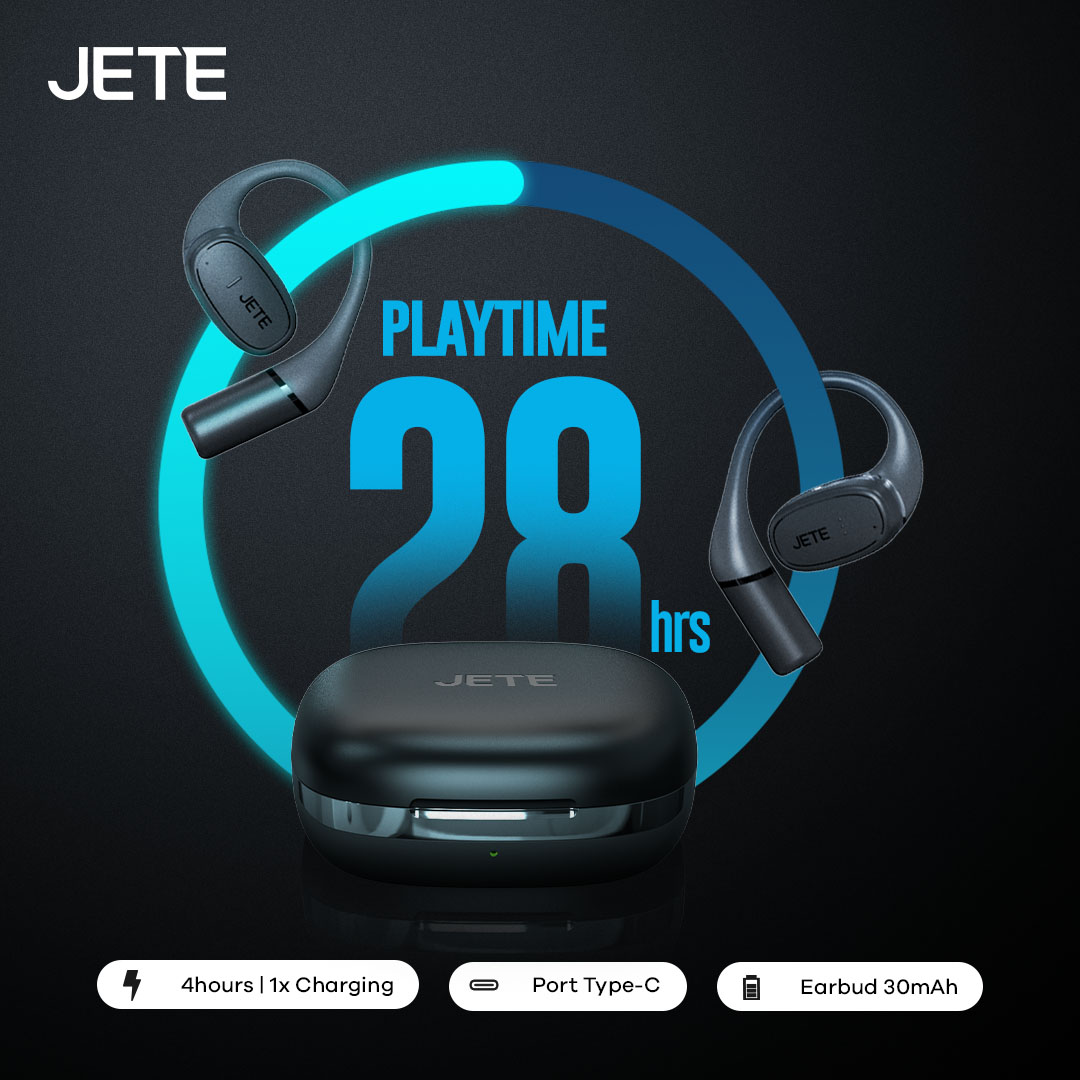
Dibekali dengan kapasitas baterai 400mAh pada case earbud dan 50 mAh pada earbud, membuatnya mampu digunakan hingga 8 jam playtime dan sampai dengan 28 jam untuk pengisian beberapa kali di case. Ini membuat pengguna lebih leluasa mendengarkan musik favorit saat beraktivitas maupun melakukan panggilan.
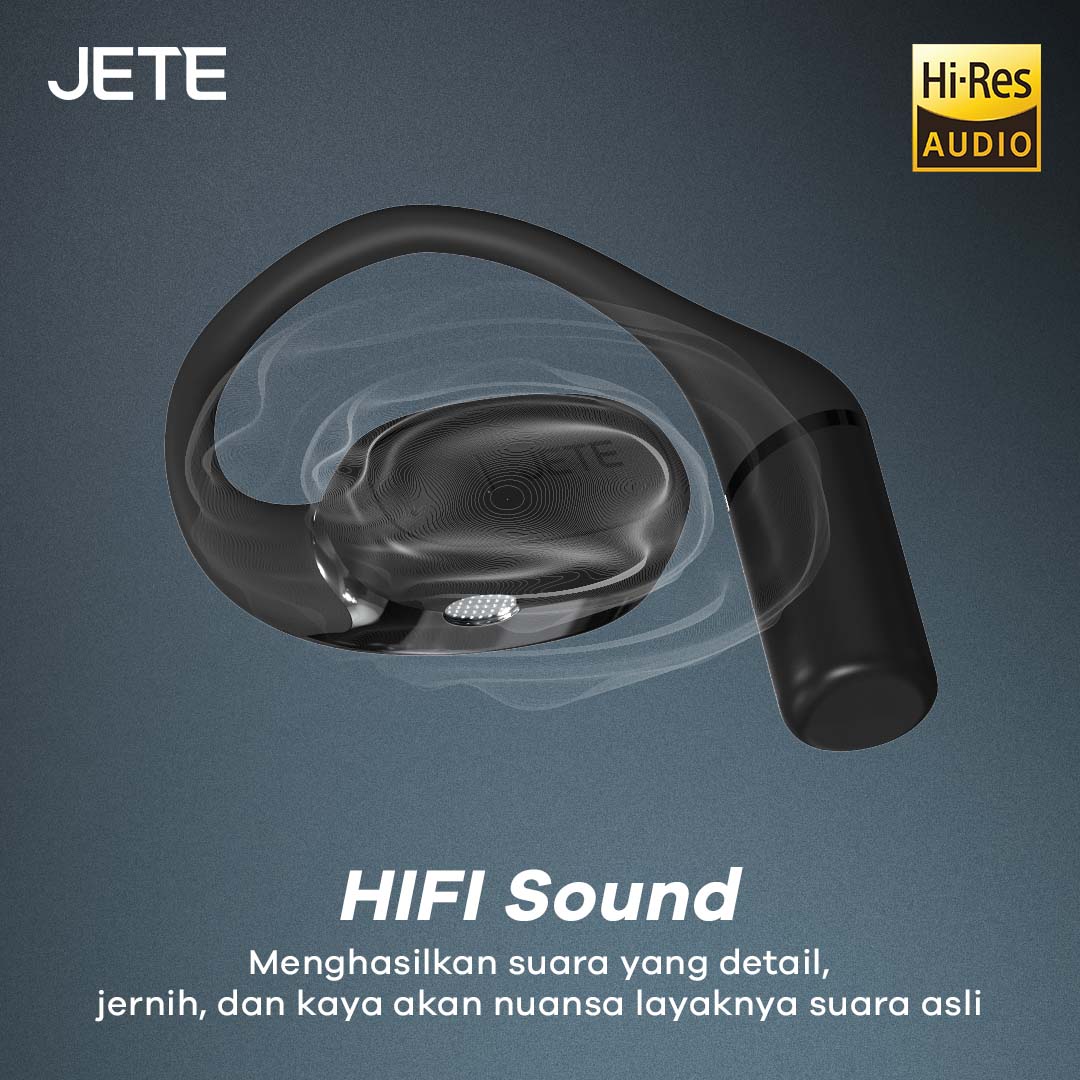
Teknologi HiFi (High Fidelity) yang disematkan pada JETE OpenFlow mampu meningkatkan kualitas audio. Mulai dari suara yang mendetail dan jernih, minim distorsi, dan menciptakan audio yang imersif seperti suara aslinya.
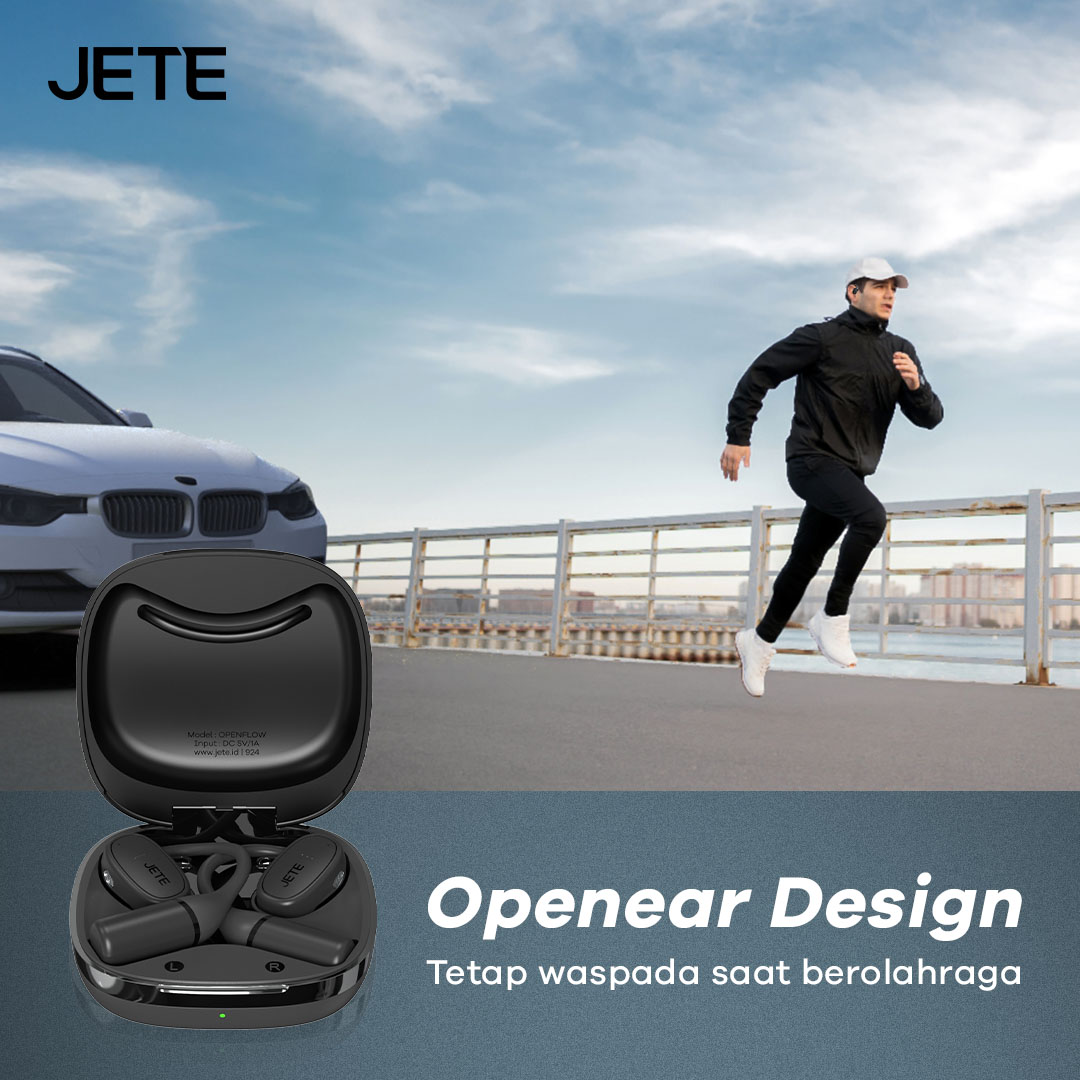
Dengan desain open-ear, pengguna masih dapat mendengar suara dari luar saat berolahraga di tempat yang ramai. Seperti mendengar suara mesin mobil, suara klakson, dan lainnya. Sehingga, membuat pengguna lebih waspada saat berolahraga dan lebih aman.
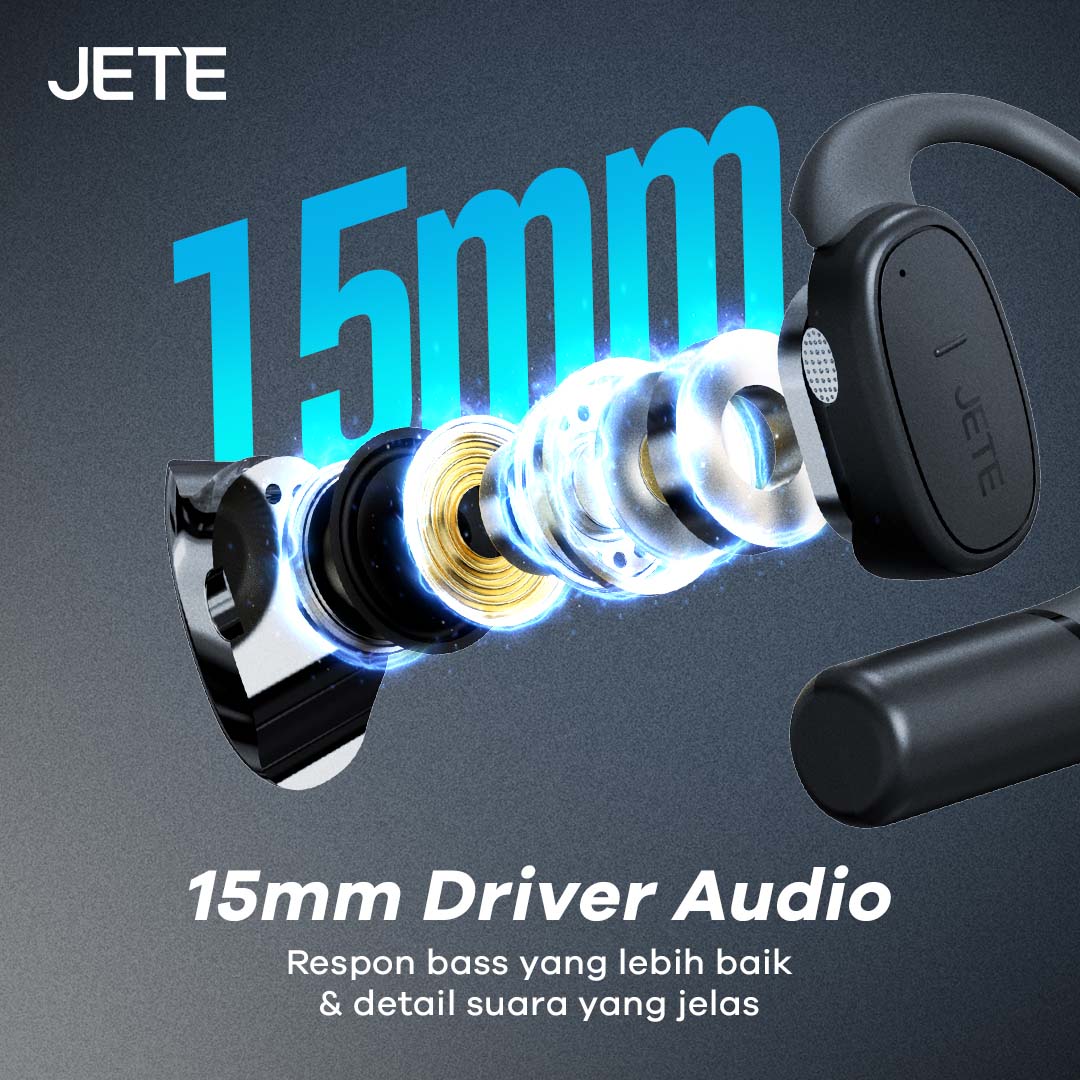
Ukuran driver yang besar dengan ukuran 15mm menjadikan output audio lebih baik. Respon bass pun semakin jelas dan mendetail serta mampu menghadirkan suara menggelegar tanpa membuat sakit di telinga dalam volume suara normal.
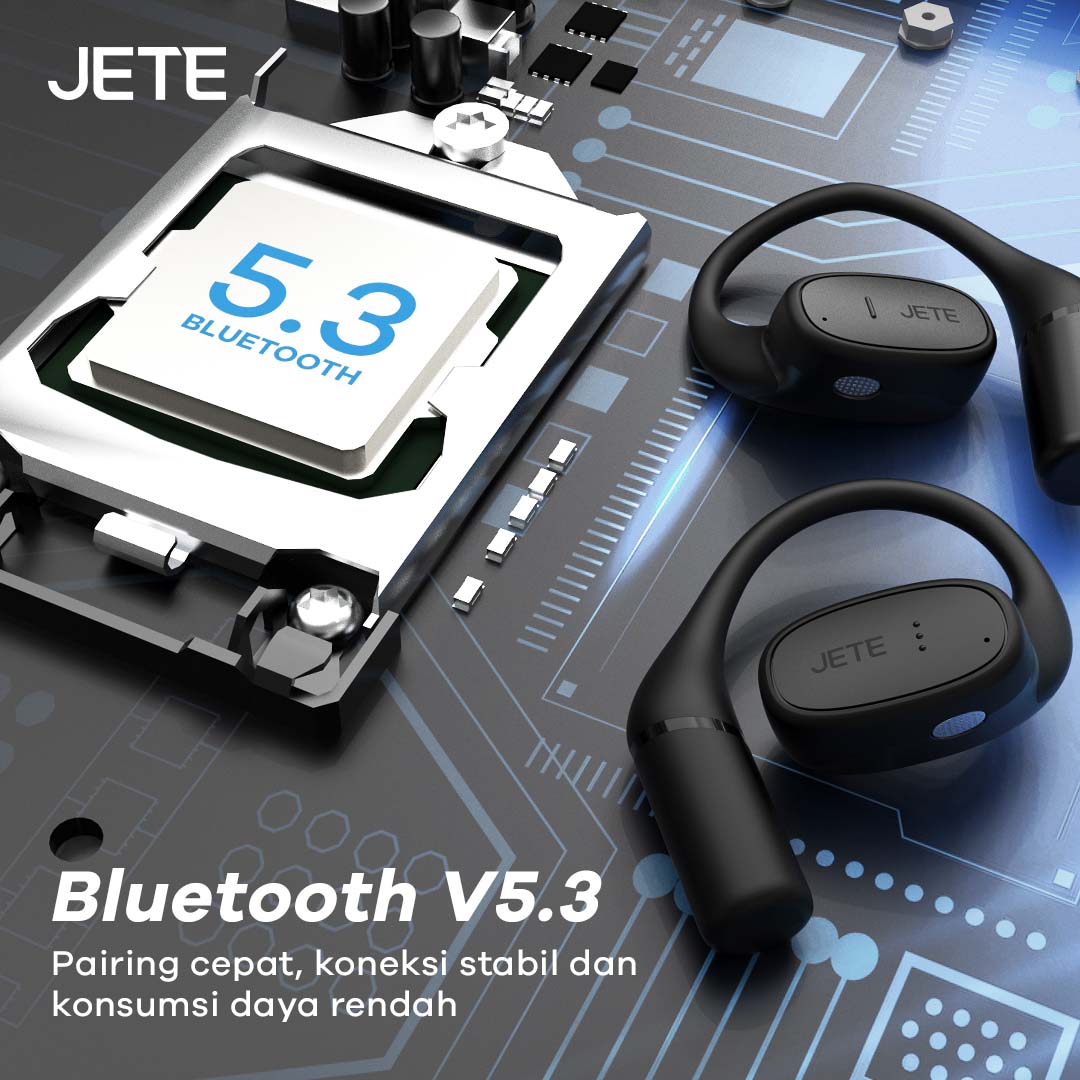
OWS JETE OpenFlow Series menggunakan teknologi Bluetooth terbaru versi 5.3. Versi ini memiliki keunggulan koneksi yang lebih stabil dan lancar hingga 10 meter tanpa hambatan. Selain itu konsumsi daya baterainya lebih rendah, sehingga dapat meningkatkan waktu penggunaan.
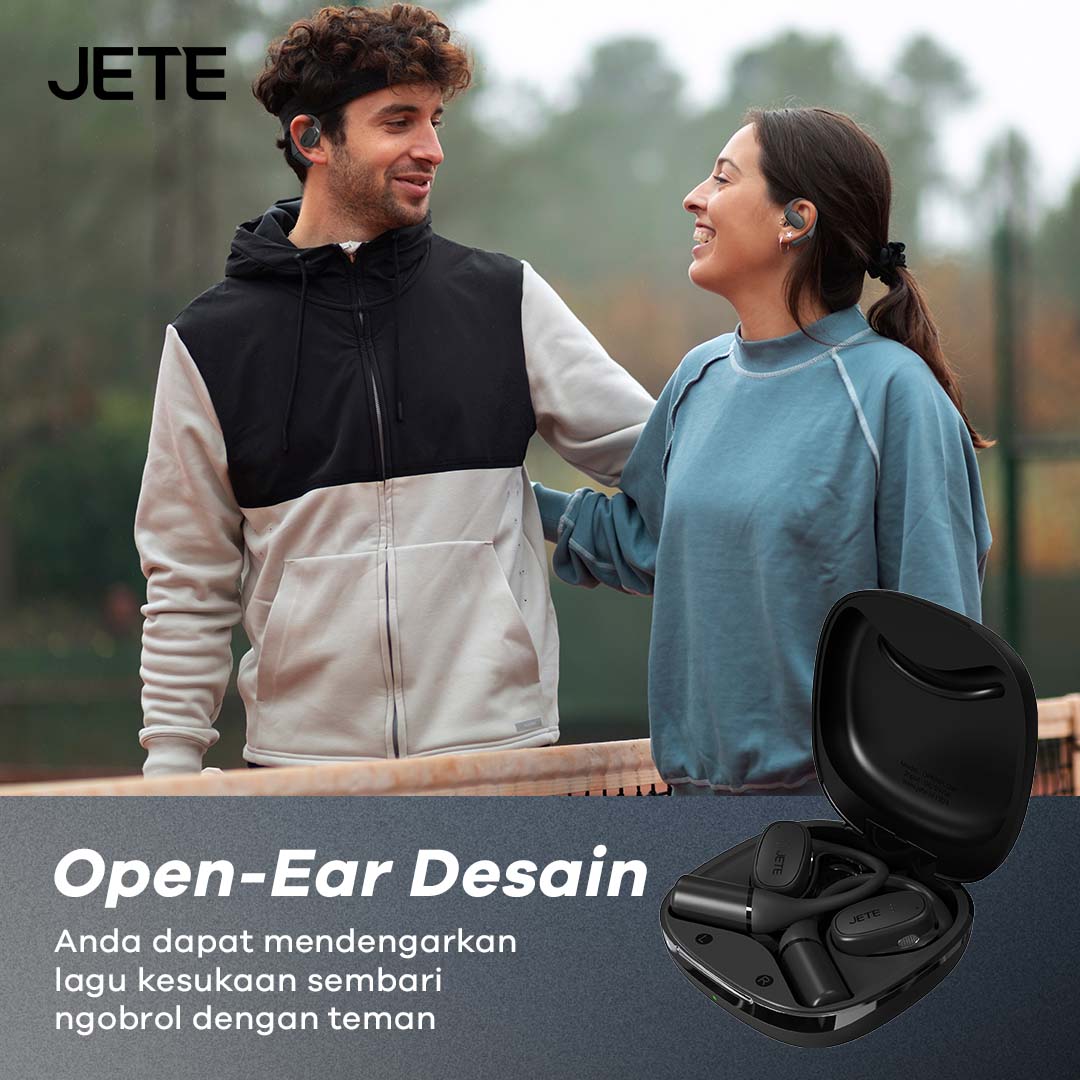
Menggunakan desain open-ear, membuat pengguna lebih leluasa saat berolahraga di luar ruangan. Di samping lebih waspada, mengobrol dengan teman pun semakin nyaman tanpa kendala. Karena masih bisa mendengar dengan jelas.
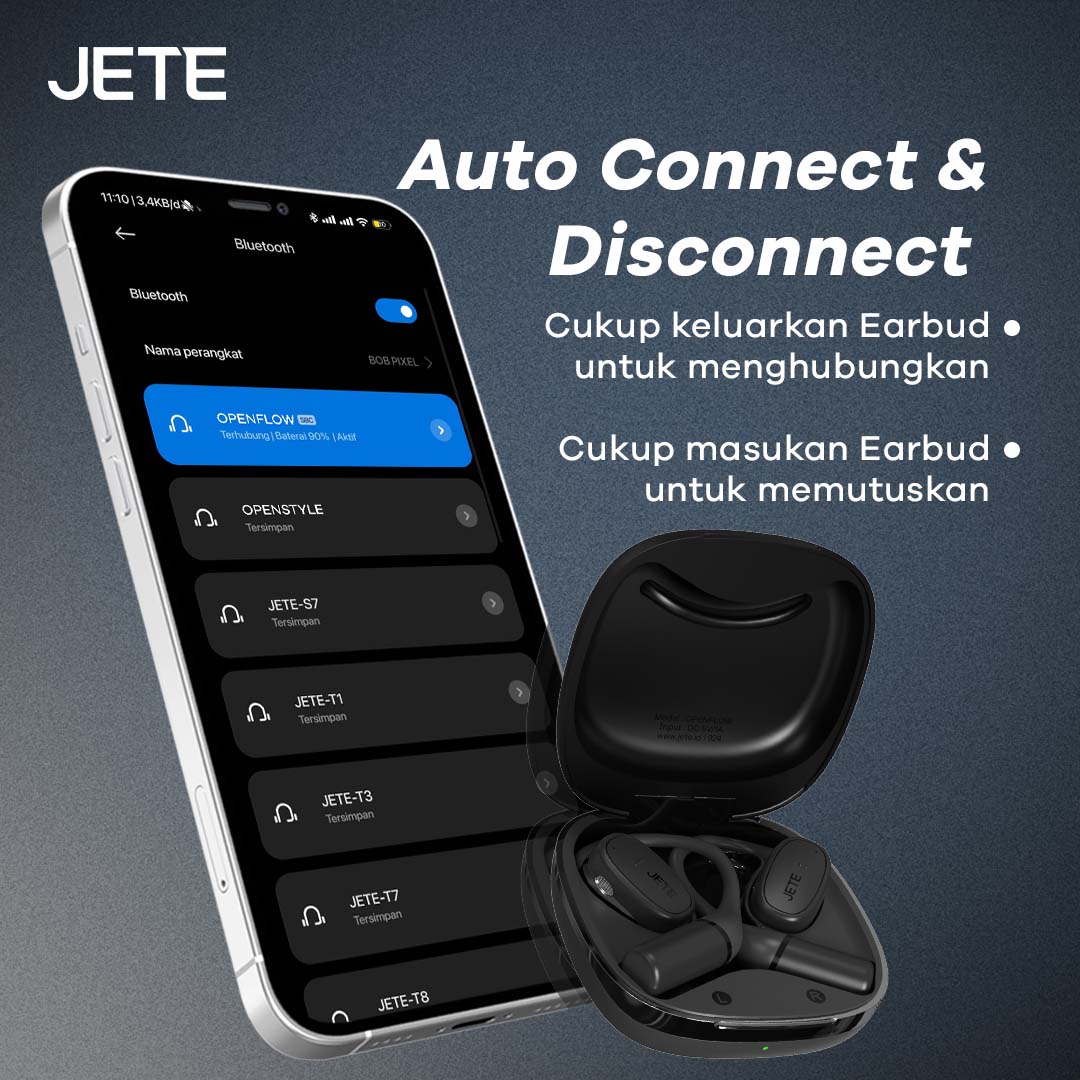
Tak hanya koneksi yang stabil, JETE OpenFlow Series dapat tersambung secara otomatis pada smartphone yang terhubung saat dibuka dari case. Kamu juga bisa menonaktifkan dengan cepat dalam hitungan detik saat memasukkan earbud ke case kembali.

Gunakan JETE OpenFlow Series kapan saja dan di mana saja. Mulai dari berolahraga, santai, hingga digunakan dalam menunjang pekerjaan sehari-hari. Termasuk untuk pemakaian di ruangan terbuka (outdoor) maupun indoor,
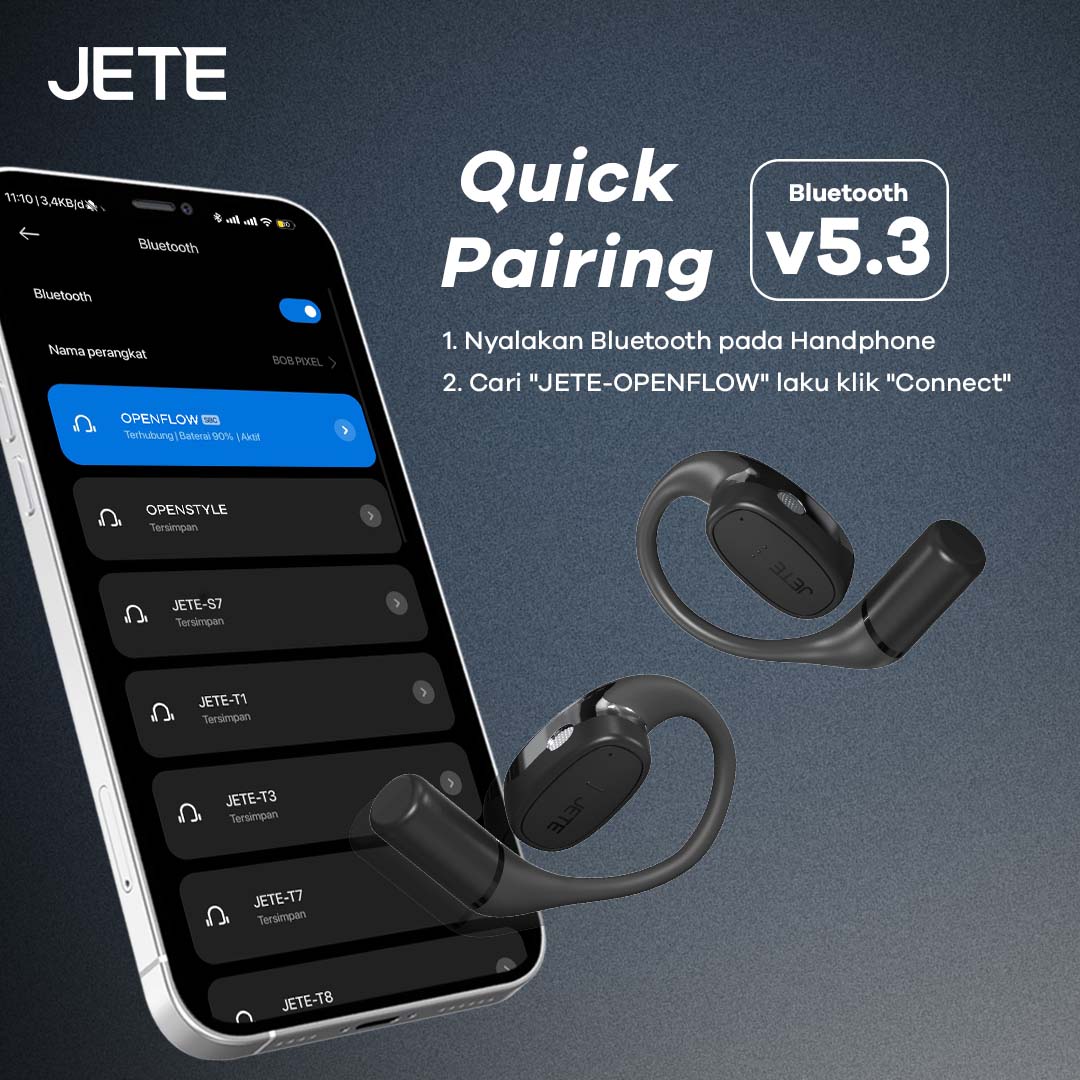
Menggunakan JETE OpenFlow Series pun sangat mudah. Cukup aktifkan Bluetooth di smartphonemu lalu sambungkan ke perangkat “JETE-OpenFlow” dan setelah klik “Connect” maka secara otomatis akan tersambung dan langsung nikmati musik favorit.
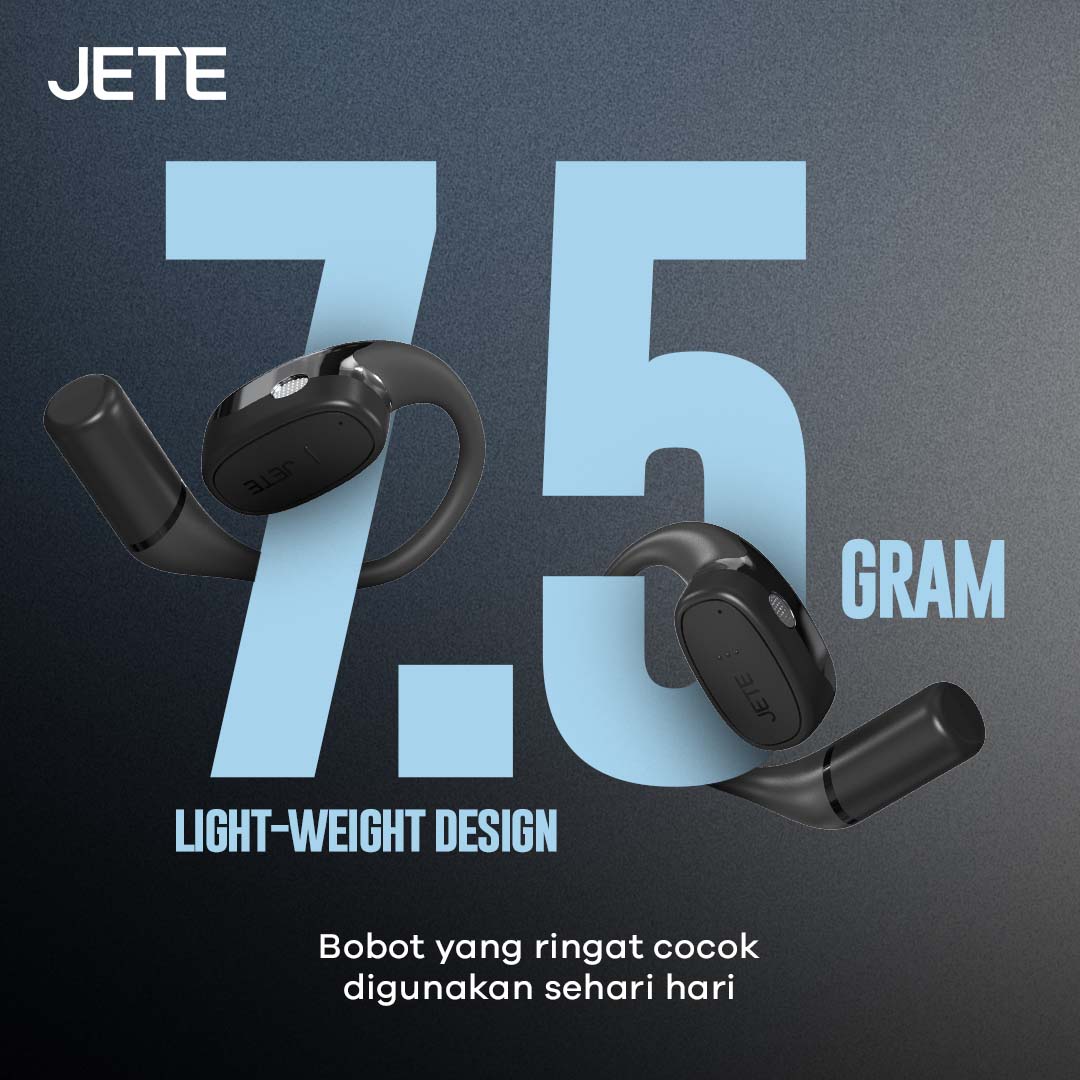
Dengan bobot yang ringan hanya 7.5 gram saja, membuat pengguna lebih nyaman ketika mengenakannya untuk berbagai aktivitas. Selain itu tidak membuat sakit di telinga.
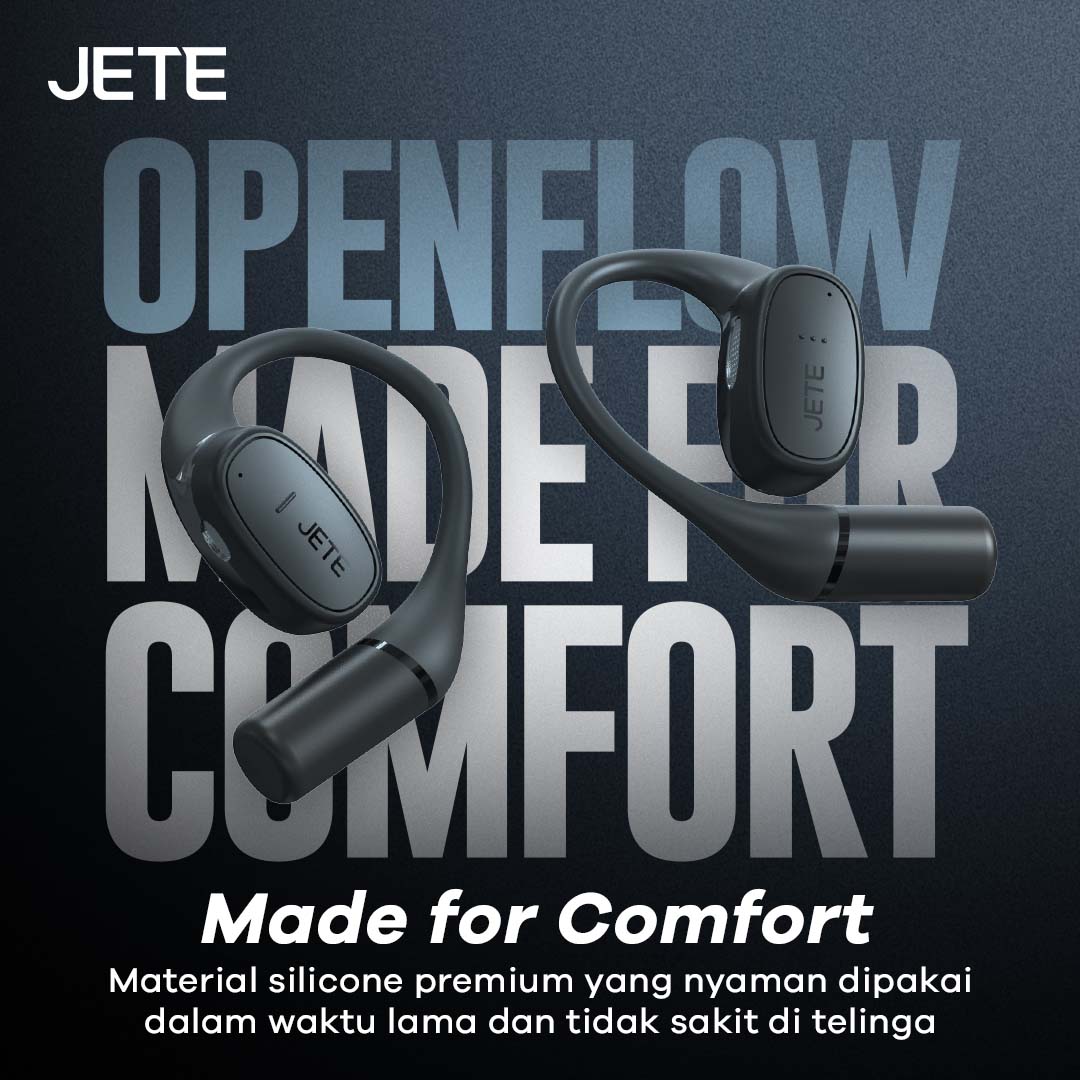
OWS JETE OpenFlow Series dirancang khusus dengan material terbaik. Ini membuatnya lebih kokoh namun tetap nyaman digunakan dalam waktu lama. Khususnya untuk penggunaan olahraga berat dan aktivitas dalam waktu yang lama.

Bagian kabel yang terbuat dari titanium membuatnya mudah disesuaikan dengan bentuk telinga pengguna. Material ini selain fleksibel juga aman digunakan setiap hari tanpa khawatir patah dan rusak saat disesuaikan.
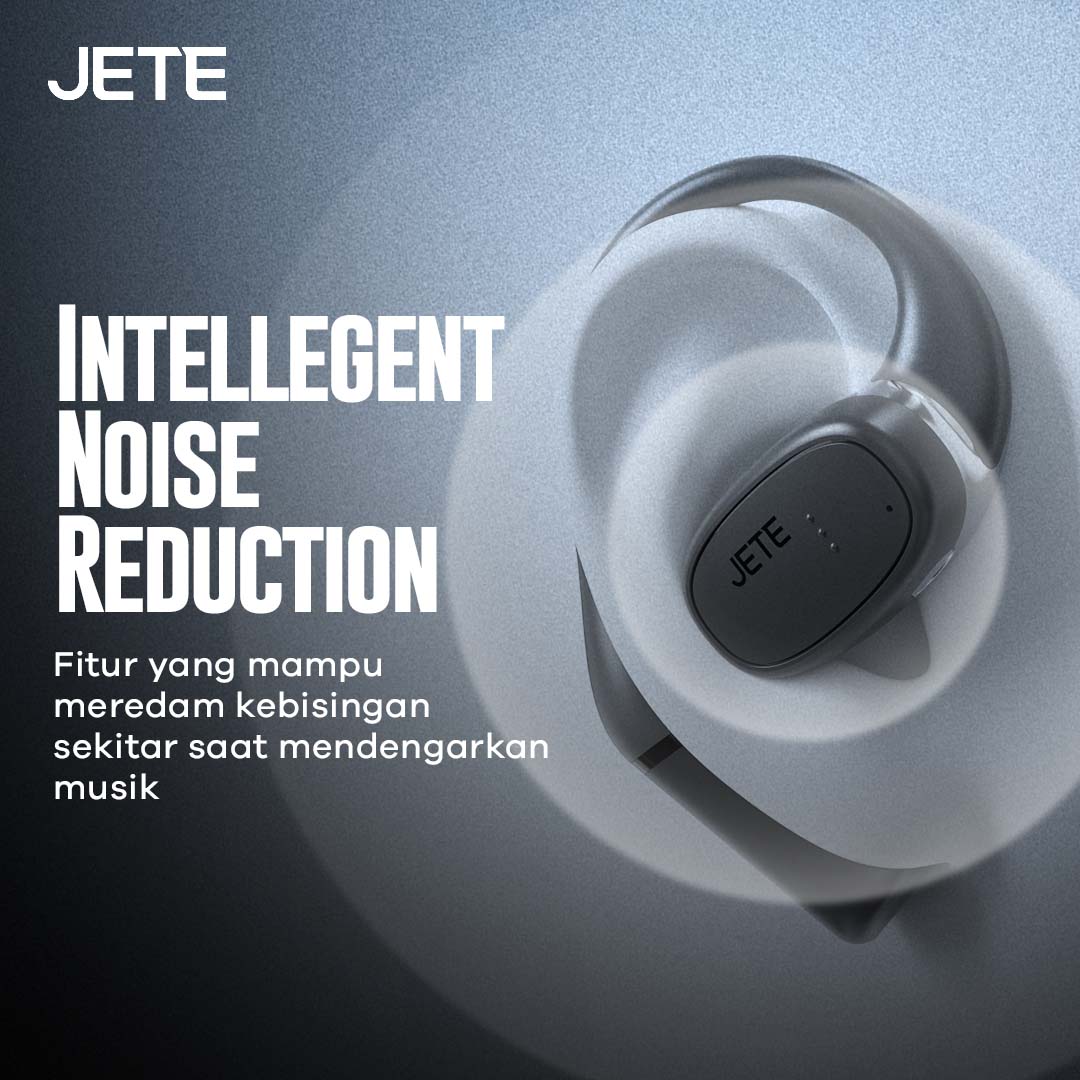
Dengarkan musik favorit atau melakukan panggilan terdengar lebih jelas dan jernih dengan dukungan Intelligent Noise Reduction yang mampu meredam kebisingan dari luar. Terutama saat digunakan outdoor.
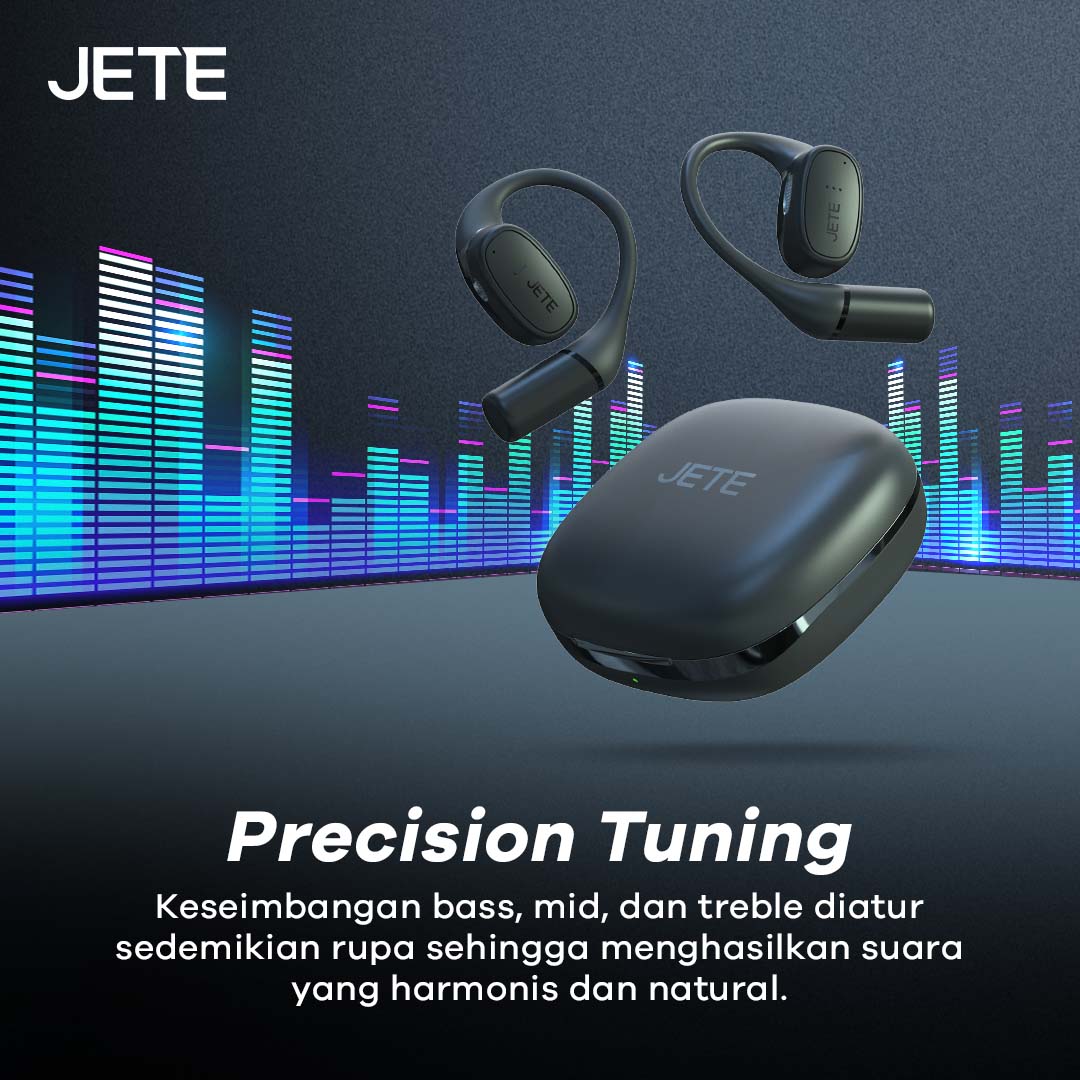
Menggunakan teknologi audio terkini membuat mode output suara lebih seimbang. Mulai dari suara mid, treble, dan bass. Dengan begitu musik yang didengar lebih harmonis dan serasa lebih nyata.
Informasi Tambahan
| Weight | 1000 g |
|---|---|
| Warna | Beige, Black, Navy |
Spesifikasi
| Merk | : JETE |
| Model | : Openflow |
| Bluetooth Version | : V5.3 |
| IPX Rating | : IPX5 |
| Feature | : Precision Tuning & ENC 2 Microphone |
| Play Time | : 28 Jam |
| Driver | : 15mm |
| Battery Buds | : 50mAh*2 |
| Battery Case | : 400mAh |
| Sensitivity | : 120+3dB |
| Frequency | : 50Hz~10KHz |
| Weight | : 7.5g+0.2g*2 (Earbuds)/52.6g (Charging Case) |
| Wire Material | : Titanium |
Download User manual JETE OpenFlow
Titik Klaim Garansi Produk JETE di Seluruh Indonesia


